

Workflows · Help
Follow an accounting workflow from setup to review
Choose the right sequence for sales, purchases, banking, inventory and reporting, with checkpoints before repeating an action.
On this page
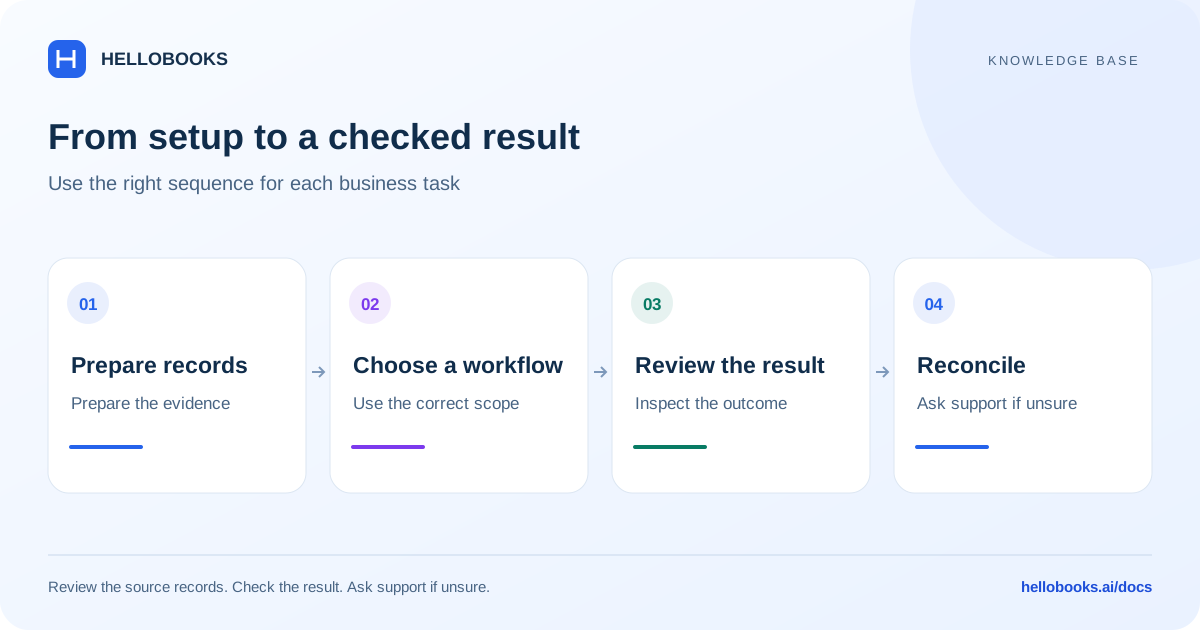
Prepare the shared records
Start with the correct organization and entity, country, industry, permissions and accounting period. Create the relevant customer or vendor, and the items or services to be used. Owners and employees are separate contact types; adding a contact is not the same as granting application access.
Set up department, class and other tracking dimensions before expecting segmented reporting. Confirm the item unit and description so purchasing, sales and stock records refer to the same thing.
Follow the sales sequence
Use the Sales and Invoices guides for customer creation, quotes or sales orders where needed, invoice preparation, approval and sending. A delivery challan describes a movement or delivery of goods and should not be treated as a paid invoice.
For repeat billing, use the Recurring Invoices guide and verify the schedule separately from invoice approval or email delivery. For a correction, inspect whether a credit note and its allocation or refund are required. For cash received, follow the new-receipt allocation guide and check the outstanding balances.
Follow the purchase sequence
Use a vendor record, purchase order where required, receipt/GRN where applicable, and supplier bill with the correct documents and quantities. Review the Purchase and Bills guide before approving or paying.
Bulk bill payment records accounting allocations; it does not itself prove a bank transfer was sent. Separate a purchase credit note and supplier refund from an outgoing bill payment, and verify the bank evidence.
Match before creating another transaction
Review imported or connected bank transactions, look for an existing invoice, bill or payment to match, and use the Categorization guide for the appropriate account, payee and tracking fields. A description or suggestion does not prove the classification is right.
Disconnecting a feed is a connection-management task, not a substitute for correcting an imported transaction. Check the Disconnect Bank Feeds guide and the scope of the confirmation before acting.
Close the loop with reports and summaries
Run the relevant report with the correct entity, period, basis and dimensions. Use totals to identify differences, then drill into the detail or source documents. A summary of invoices is not the same as a bank balance or statutory filing.
Saved report templates, memorized reports and custom-report local saves have different capabilities. Use the reporting guides to check what a saved setting actually preserves and which country-specific report applies.
Example: invoice, receipt and reconciliation
In one currency, an invoice for 1,000 and a receipt of 600 should leave 400 outstanding if there are no credits, fees, refunds or other allocations. Confirm the invoice balance and payment allocation, then compare the actual deposit with the bank evidence.
If the balance still shows 1,000, investigate the customer, allocation, date range and save result. Do not create another receipt merely to make the summary look correct. Ask support with the invoice and receipt references if the discrepancy remains.
When to contact support
If a field, permission, saved value or resulting balance differs from this guide, email hello@hellobooks.ai with the entity, screen, record reference, expected result and exact message. Do not send passwords, one-time codes or full bank details. Opening an email draft does not create a confirmed ticket.
Frequently asked questions
What should be set up before starting a workflow?
Confirm the organization, entity, country, industry, permissions and period; then prepare customers or vendors, items and units, and any departments or classes needed for reporting. Choose the dedicated guide for the transaction.
Does a workflow summary mean every action succeeded?
No. Review the saved source records, relevant statuses, bank evidence and report filters. Creation, approval, sending, payment, reconciliation and filing are different checkpoints.
What should I do when an action times out?
Check whether the record or action already exists before repeating it. Keep the original reference, expected result and exact error, and email hello@hellobooks.ai if the state is uncertain.