

Reports · Help
Use reports, filters, drilldowns, and summaries
Choose the right report, check its scope, trace balances to transactions, and prepare an explained summary.
On this page
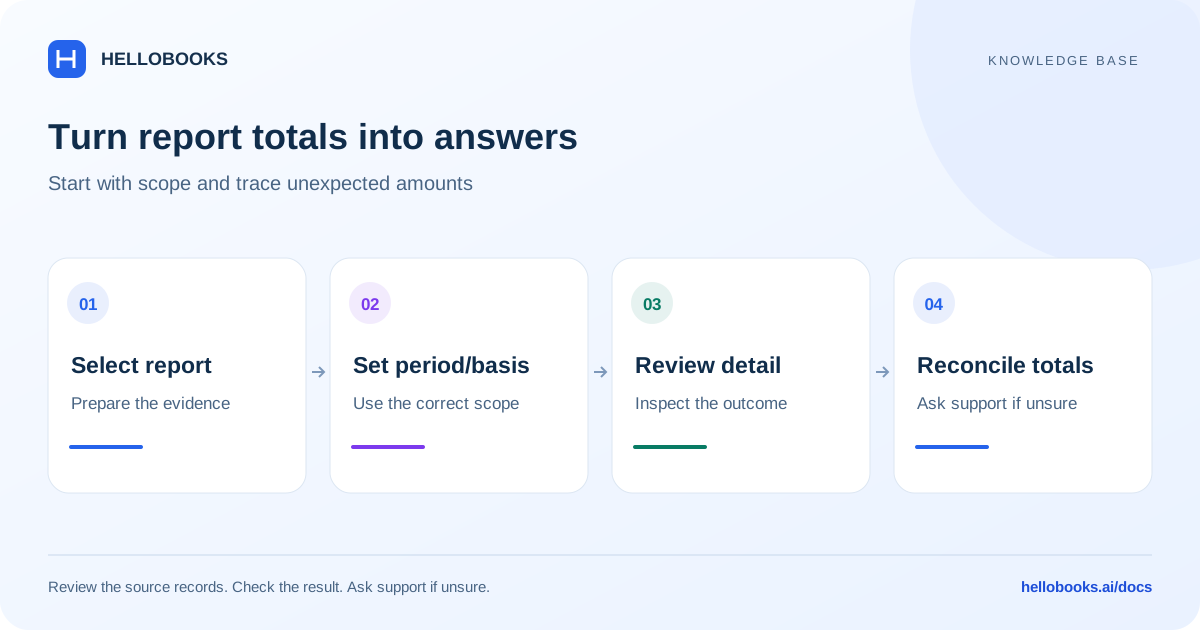
Start with the question you need to answer
Open Reports for the organization and entity you want to review. The report hub groups pages into Financial Statements, Sales & Receivables, Purchases & Payables, Banking & Cash, Inventory, Payroll, Projects, Taxes, and Ledger & Audit. Use search or Favourites to find a report again.
Use Profit & Loss for income, costs and profit during a period; Balance Sheet for balances at a date; Cash Flow Statement for cash movements; and Trial Balance for account debit and credit balances. A profitable period can still have a cash shortfall because customers have not paid or inventory and assets were purchased.
For collection work, start with AR Summary, then AR Detail for aging, customer ledger, sales invoices, receipts, credit notes and overdue invoices. For vendor payments, use AP Summary and AP Detail for aging, vendor ledger, bills, debit notes, due payments and advances. A report identifies what to investigate; it does not itself send a payment.
Choose operational reports by the decision
Sales Summary groups sales by period, customer, product, region or salesperson; Sales Detail includes sales orders, quotations and returns. Purchase Summary groups purchases by period, vendor or product; Purchase Detail includes purchase orders and returns. Customer Profitability and Gross Profit focus on margin rather than only sales value.
Bank & Cash Detail includes bank book, cash book, bank transactions, petty cash and unreconciled transactions. Bank Reconciliation checks the relationship between statement activity and accounting records. Cheque Register follows issued-cheque status and sequence gaps.
Inventory includes stock summary, location-wise stock, stock ledger, receipts, dispatches, adjustments, slow-moving stock, stock aging, low stock, item/party analysis, movement analysis, stock query, stocktake variance, category-wise stock and lot traceability. Select the intended item and warehouse location where those controls exist.
Projects includes estimate versus actual, profitability, time, expenses, project invoices, work in progress, AIA billing and unbilled time/expenses. Payroll includes summary, leave, payslip, salary, attendance and bonus reports. Country-specific statutory payroll reports need the applicable jurisdiction and payroll setup; India PF/EPF, ESI and salary TDS reports are not substitutes for another country payroll return.
Ledger & Audit includes general ledger summary/detail, chart of accounts, audit changes, duplicate or unposted transaction alerts, user access, month-end checks and period-end schedules. Some reports depend on enabled modules, permissions or industry; a catalog entry alone does not prove that your account has the underlying data.
Set and confirm the report scope
Check the visible organization, entity, currency, accounting basis and date heading before relying on a result. A Balance Sheet at a date is different from a Profit & Loss for a range. Transaction, due, payment and filing dates answer different questions.
Reports using the shared date control keep the last applied range for the selected entity during the browser session. Pending date changes do not apply until Update. Other report screens have their own controls, so verify the heading after changing tabs or entities.
- Select the report and record the business question.
- Choose the date range or as-of date. Check the financial-year preset against the entity setup.
- Select the supported accounting basis, comparison, currency, customer/vendor, item or tracking filters that the report actually exposes.
- Choose Update, Apply or the report action shown, then wait for the current request to complete.
- Confirm the report heading and filter summary match your selection before reading or exporting.
Use class, department and location information carefully
Class selection uses the existing tracking categories and options. Select the intended options where the report supports class filtering. Transactions without the expected tracking assignment can appear outside a filtered result; review the original document before treating a missing amount as a missing transaction.
A warehouse location describes stock placement; a class or department describes an analytical assignment. They are different dimensions. Check the report controls and document assignments rather than assuming a location filter also filters departments.
Department Cost Center P&L and Monthly MIS appear in source descriptions, but the CFO Summary section is hidden in the reviewed frontend because its tabs lack a working API layer. Do not rely on that section as an available department summary. Ask hello@hellobooks.ai for the supported alternative for your account.
Trace an unexpected figure
Open a supported row, amount or detail report to inspect the transactions included in the total. Match the document reference, date, status, account, currency, tax code and tracking options. Check credit notes, refunds, partial payments and opening balances as well as invoices or bills.
Compare reports using the same scope. Receivables aging will not necessarily match period sales: one is an outstanding-balance view and the other measures activity. Check the report definition before expecting totals to agree.
If the page reports an error or still shows loading, do not interpret an empty grid as zero activity. Retry the read operation and note the exact message. An empty successful report may simply have no matching records.
Example: write a useful monthly summary
Illustrative example: sales are 50,000, cost of goods sold is 30,000 and other expenses are 12,000 for one period and currency. Gross profit is 20,000 and the simplified operating result is 8,000. These figures omit tax, finance costs and other possible lines.
If receivables are 15,000, include that separate outstanding balance and its as-of date. Do not subtract the entire receivable balance from profit or describe it as cash received. Use receipts and the cash-flow or bank reports for cash questions.
A useful summary states the entity, period, basis, currency and filters; explains the largest changes against the comparable period; links the supporting report or export; and lists unresolved differences and the person reviewing them. These are your review notes, not a guarantee of an automatically generated narrative.
Export and save a repeatable review
Use the export formats offered by the report. Open the downloaded file and confirm its heading, period, currency, columns and total against the displayed report. Keep the export with the review date; a saved report definition may show changed results when underlying records change.
Memorize saves supported report configurations. Financial layout templates change the presentation of P&L, Balance Sheet or Cash Flow. Custom Report Builder also has its own browser-local Save control. These are distinct tools; see the saved-report guide before assuming a save is shared or available on another device.
Known availability limits
The reviewed report hub hides Scenario Analysis and CFO Summary because their backend support is missing. Extended Trial Balance is also hidden from Financial Summary because the required proxy route is missing. Source inspection confirms these limits; no live account reports were executed for this guide.
The generic Taxes catalog contains India-labelled GST/TDS entries even when another entity country is selected. Use the country-specific tax pages for US sales tax, UK VAT or Australian BAS. If the country or report is wrong, contact support rather than using another jurisdiction form.
Send a reproducible report question
Email hello@hellobooks.ai with the report name, entity, country, date range or as-of date, basis, currency, selected filters, document references and the expected versus actual amount. Include a redacted screenshot or small export when useful. Do not send passwords or one-time codes.
Opening an email draft does not create a support ticket. Send the email and retain the support response or reference.
Frequently asked questions
Which report shows unpaid customer invoices?
Start with AR Summary or AR Detail and select the aging, customer ledger or overdue-invoice view. Confirm the as-of date and customer filters; sales during a period are different from outstanding receivables.
Why did a report keep the dates from the previous tab?
Reports using the shared range retain the last applied dates for the selected entity in the browser session. Check the heading and choose Update after changing the pending range.
Can I use Monthly MIS or Department Cost Center P&L now?
The CFO Summary section containing those tabs is hidden in the reviewed frontend because its API layer is incomplete. Ask hello@hellobooks.ai for your supported reporting path; this guide does not mark those reports live.
Does a blank report mean that no transactions exist?
Only a successfully completed report with the intended scope can establish that no matching rows were returned. Check errors, loading, dates, entity, permissions and filters first.