

Apps · Help
Projects: organize work, connect documents, and check profitability
Set up a project context and review budgets, billing, costs, and progress using consistent references.
On this page
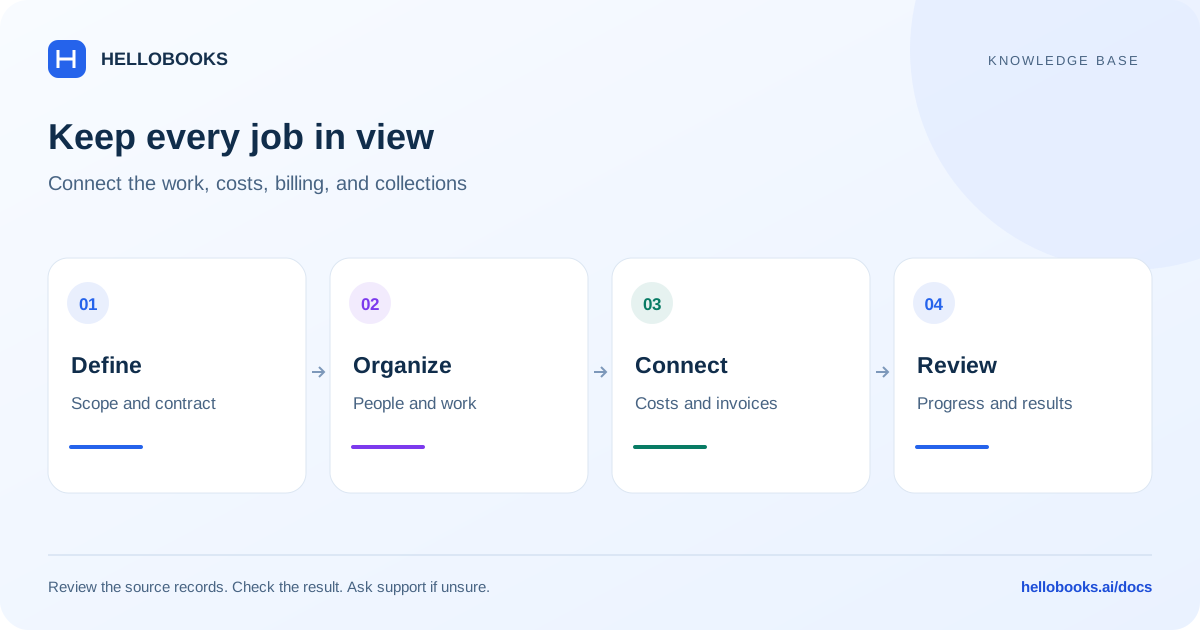
Open Projects and define the job
Open Projects from the app launcher for the correct organization and entity. Establish the customer, project name, responsible people, agreed dates, and the work included in the project.
Keep one consistent project identifier across operational records and accounting documents. The same customer's separate jobs should remain distinguishable, especially when costs or invoices overlap in time.
The app offers project and board concepts, with forms and project templates. Confirm which structure matches the job rather than creating several unrelated records for the same work.
Agree how the work is billed
Project setup includes contract-type choices such as Fixed Price, Cost Plus, Time & Materials, Lump Sum, Unit Price, and Design-Build. Select the type that reflects the agreement and document the assumptions.
For a fixed-price project, compare the contracted amount with actual cost and scope changes. For time and materials, check the approved hours, rates, expenses, and billing rules. A contract-type selection alone does not establish that every billing rule has been configured.
Keep project records connected
Use the project reference consistently as work progresses.
- Confirm the project and its customer before recording work or costs.
- Organize tasks or boards with clear owners and expected completion dates.
- Use the available project fields on related expenses, purchases, time, or billing records where applicable.
- Review progress and obtain the required approvals before invoicing.
- Check the project-related invoices and payments alongside costs.
- Retain source references for any adjustment or scope change.
Review progress and profitability
Compare the same project and period when reviewing budget, billing, and cost. A raised invoice, money received, and work completed measure different things.
Investigate missing costs, work not yet billed, invoices assigned to the wrong project, and scope changes that were not reflected in the plan. If an amount looks wrong, trace it to the underlying transaction before changing a summary figure.
For example, a project can show billed revenue while the invoice is still unpaid. Use receivables and payment information to understand cash collection separately from the project's billed result.
Example: separate project margin from cash collected
Illustrative example: one project has billed revenue of 5,000 and eligible recorded costs of 3,000 for the same reporting scope. On that simplified billed-revenue basis, the difference is 2,000. Confirm which revenue and cost measures the actual project report uses before calling that its reported margin.
If the customer has paid 2,000 against the 5,000 invoice, the invoice has 3,000 outstanding. The 2,000 illustrative margin and the 2,000 cash receipt happen to match numerically; they measure different things. Check invoice payment history separately from project costs.
If the project view includes only 2,500 of the costs, trace the missing 500 to its document, entity, project reference, date and status. Also consider unrecorded work or costs before concluding that the project is more profitable.
Retain the invoice, payment and cost references. If the report basis or missing amount is unclear, email hello@hellobooks.ai before moving or recreating transactions. This example does not establish automatic revenue recognition or a particular billing control.
When a document or figure is missing
Check the entity, project reference, date filters, document status, and your access. A document assigned to another project or recorded outside the reporting period can explain a missing amount.
Send hello@hellobooks.ai the project name, contract type, affected screen, period, document references, and expected versus actual result. Ask for guidance before moving or recreating accounting records to fix a report.
Frequently asked questions
Does invoiced project revenue mean the customer paid?
No. Review the invoice's payment history and outstanding balance separately from billed revenue.
Why is a cost absent from the project?
Check its project reference, entity, date, status, and report filters. Provide the source document to support if it still cannot be traced.
What should I do when a project figure does not match the underlying documents?
Compare the same project, entity, period, document status and reporting basis, and separate billed amounts from payments received. Email hello@hellobooks.ai with the source references and expected calculation before recreating or reassigning records.