Practical steps, worked examples and FAQs for daily workflows, settings, contacts, payments, your nine apps, country reports and migration. Choose a topic below, or search the guides.
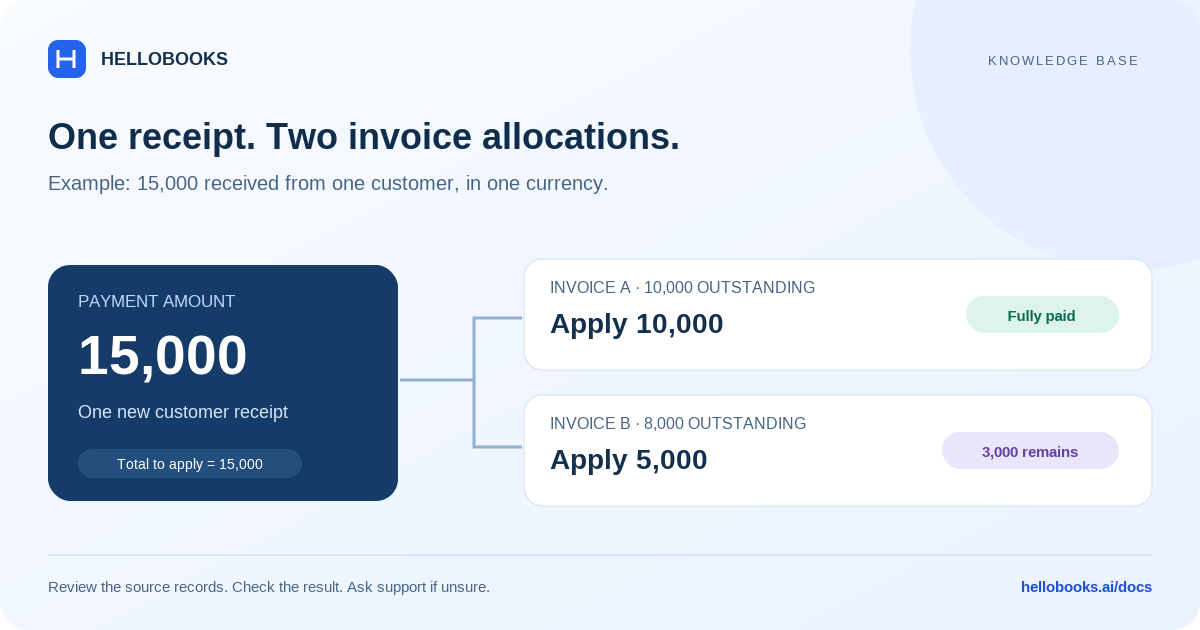
Paying supplier bills and applying customer receipts are different jobs. Begin with whether the money is outgoing or incoming, then establish whether it is already recorded. The guides explain the allocation checks that prevent the same payment being entered twice.
Create a department for a company, enable class tracking when appropriate and add a tracking category with named options, with examples and checks for entity scope and availability.
Find the correct company and personal settings, update supported company and contact fields, and save date and number display preferences with checks for the result.
Choose the right contact type, create a record for the selected entity, review the relevant fields and verify the saved result before using it in transactions.
Prepare customer and delivery details, check the source order and quantities, and keep the saved challan, carrier booking, and delivery evidence separate.
Prepare a repeating-invoice template, set its frequency and due-date rule, review approval and sending choices, and check the generated invoices and schedule.
Choose the right sales document, prepare clear invoice descriptions, review source documents and totals, and keep saving, approval, delivery, and payment separate.
Keep customer and supplier credits separate, choose the correct credit purpose, allocate only to eligible documents, and distinguish a credit application from a cash refund.
Identify the feed type, use the correct disconnect or revoke control, read its confirmation and check the result without treating feed disconnection as transaction deletion.
Review bank transactions, choose the right account category, accept or correct suggestions, and check single or bulk results without duplicating existing documents.
Choose the correct organization and entity before following a procedure. Menus, permissions, country features, and enabled integrations can vary. If your screen or result differs, use the support link rather than guessing the next action.
For migration, first choose between a live connector and a file import, and keep the source reports for reconciliation. For app workflows, start with setup, review the source records, and check the resulting balances or status. The FAQs cover common exceptions and the details support needs to investigate them.