

Apps · Help
Compliance: obligations, filing evidence, and month-end checks
Track compliance work and distinguish prepared information from submitted and accepted filings.
On this page
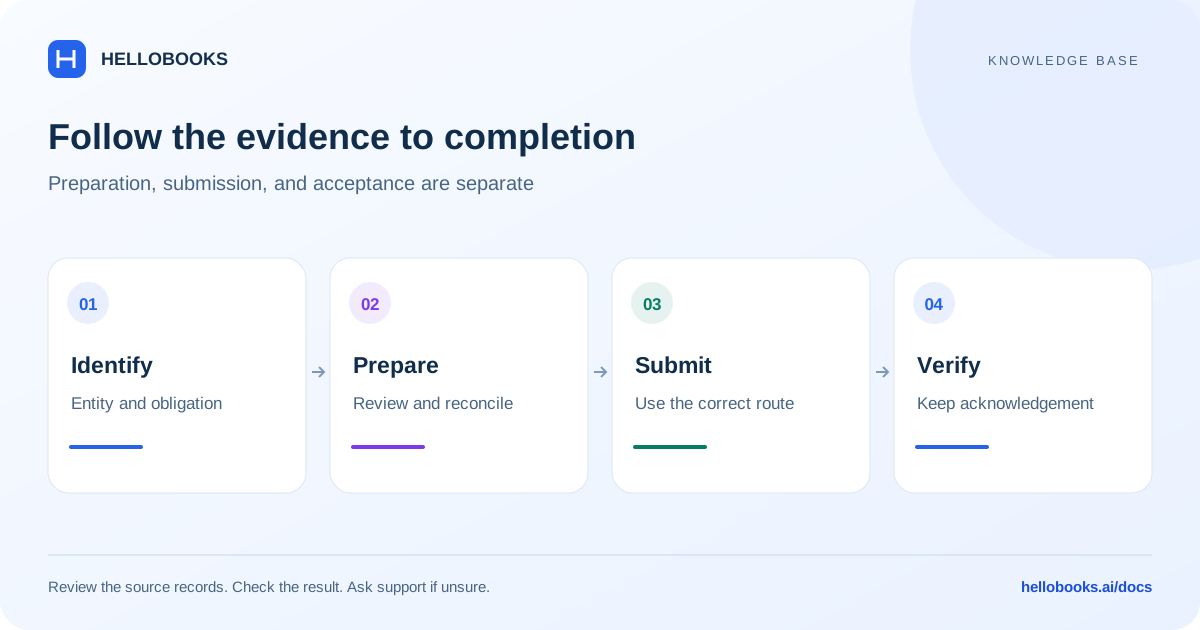
Confirm the entity and obligation
Open Compliance from the app launcher after selecting the relevant organization and entity. Confirm the country, registrations, period, and the person responsible for the obligation.
The available obligations and filing workflows depend on jurisdiction and account configuration. A general compliance calendar or prepared report does not mean electronic filing is supported for every authority.
Before starting, collect the records needed for the particular return or check. Ask your accountant to confirm eligibility, due dates, and statutory treatment where there is uncertainty.
Work through a compliance item
Use the obligation's own screen and evidence requirements.
- Find the relevant obligation or calendar item and verify the entity, registration, and period.
- Review the underlying accounting records and complete the relevant reconciliation.
- Resolve missing data and validation errors before preparing the final output.
- Follow the supported review and submission process for that obligation.
- Retain the submission reference, acknowledgement, and result.
- Check the final status and follow up on a rejection or pending response.
Understand preparation, submission, and acceptance
Preparing a return creates information for review. Submitting sends it through the supported filing channel. Acceptance or acknowledgement is the authority's response. These stages should not be treated as interchangeable.
If the app or network fails during submission, check the existing submission status before trying again. Keep the original reference so support can trace the result. Do not mark a filing complete only because a file was downloaded.
Reconciliation and month-end work
The app includes compliance, reconciliation, and month-end areas. Use them to organize the applicable checks, but review the underlying documents when balances disagree.
For a month-end review, compare bank activity, outstanding receivables and payables, relevant tax balances, and the reports for the same period. Explain unresolved differences and retain evidence of review according to your organization's process.
Example: distinguish a prepared amount from a completed filing
Illustrative example: an accountant-approved reconciliation for one supported obligation and period shows a reportable amount of 1,000. The prepared output also shows 1,000. This agreement checks the amount; it does not establish that the obligation was submitted or accepted.
If a supported submission returns a reference but the result is pending, retain the reference and check the current status through the applicable workflow. Do not describe the filing as accepted or submit a second time simply because the final response has not arrived.
If the prepared output instead shows 1,100, investigate the 100 difference by checking the period, registration, included transactions and applicable adjustments before submission. The sample amount is fictional and does not define a tax rate, legal deadline or country-specific filing rule.
A completed check retains the source reconciliation and, where filing applies, the submission reference and authority's actual response. For an uncertain status or unexplained amount, email hello@hellobooks.ai with the jurisdiction, obligation, period and references, and ask your accountant to resolve statutory interpretation.
Ask for help with uncertain or rejected results
Email hello@hellobooks.ai with the jurisdiction, obligation, entity, period, filing reference, exact status or error, and the action you attempted. Include a redacted screenshot or validation report where helpful.
Do not send passwords, one-time codes, signing credentials, or secret keys. Support can explain the next step without those credentials. Tax interpretation and filing eligibility should be confirmed with your accountant.
Frequently asked questions
Does a prepared return mean it has been filed?
No. Check the submission and authority acknowledgement separately, and retain the reference.
Are all countries and filing types available?
Availability depends on the jurisdiction and workflow. Email hello@hellobooks.ai if the expected obligation or filing action is missing.
What should I do if I cannot confirm whether an obligation was submitted?
Check the existing submission reference, period and status before retrying. Email hello@hellobooks.ai with the exact result or error when it remains uncertain. A prepared report or downloaded file is not proof of submission or authority acceptance.