

Country reports · Help
United Kingdom: VAT and supporting tax reports
Review UK VAT boxes, detail and reconciliation reports, and check the entity scheme before interpreting the amount due.
On this page
Confirm the UK entity and VAT scheme
Select the UK entity and verify the VAT registration number, period and accounting scheme. Check whether the business is a Northern Ireland trader when that is relevant to goods movements; GB and Northern Ireland treatment must not be inferred from the currency alone.
The VAT screens offer scheme and registration context. Use the scheme actually applicable to the business; choosing an industry or a display option does not establish legal eligibility for a scheme.
Find the UK report you need
The reviewed routes include the VAT return workspace, VAT Return Draft, VAT Detail, VAT Exceptions and VAT Reconciliation. They also include PAYE Summary, Corporation Tax and CIS Return screens with dedicated API clients.
Use VAT Detail to trace transactions, VAT Exceptions to investigate records needing attention, and VAT Reconciliation to compare the books and VAT view. PAYE, corporation tax and CIS have their own periods, records and obligations; they are not boxes in the ordinary VAT return.
Route and API presence establish source coverage, not a completed return or live acceptance test. This audit did not certify every UK tax obligation or every special scheme.
Read the nine VAT boxes and the sign of the result
Box 1 records VAT due on sales/outputs; Box 2 records applicable acquisition VAT; Box 3 combines Boxes 1 and 2; Box 4 records recoverable VAT; and Box 5 records the magnitude of the difference. Read the payable/refund position as well as the Box 5 number.
The reviewed backend computes Box 3 = Box 1 + Box 2 and Box 5 = absolute value of Box 3 - Box 4. It also returns a signed VAT position. A positive Box 5 number alone does not tell you whether the business owes tax or has a refund position.
Boxes 6 and 7 describe sales and purchase values excluding VAT. Boxes 8 and 9 address the relevant Northern Ireland EU-goods movements. The reviewed calculation rounds tax boxes to two decimals and value boxes to whole pounds; check the prepared values and any rounding differences.
Trace the calculation to records and scheme
The reviewed standard path aggregates stored VAT and taxable amounts from invoice and bill lines, subtracts the corresponding credit-note amounts, and applies supported scheme/special-case logic. Currency conversion, reverse charge, Northern Ireland goods, bad-debt relief, postponed import VAT and partial exemption require careful source checks.
The Flat Rate Scheme path uses a percentage of gross turnover rather than simply output VAT minus ordinary input VAT. Its percentage can depend on the registered percentage/category, limited-cost status, industry mapping and first-year settings. Review the actual rate and its source with your accountant; do not rely on an inferred industry default.
Missing foreign-currency exchange rates, capital-goods treatment or special-case classification can affect results. This guide explains the reviewed source model; it does not certify those treatments for your transactions.
Review a VAT period
Keep calculation, review and submission distinct.
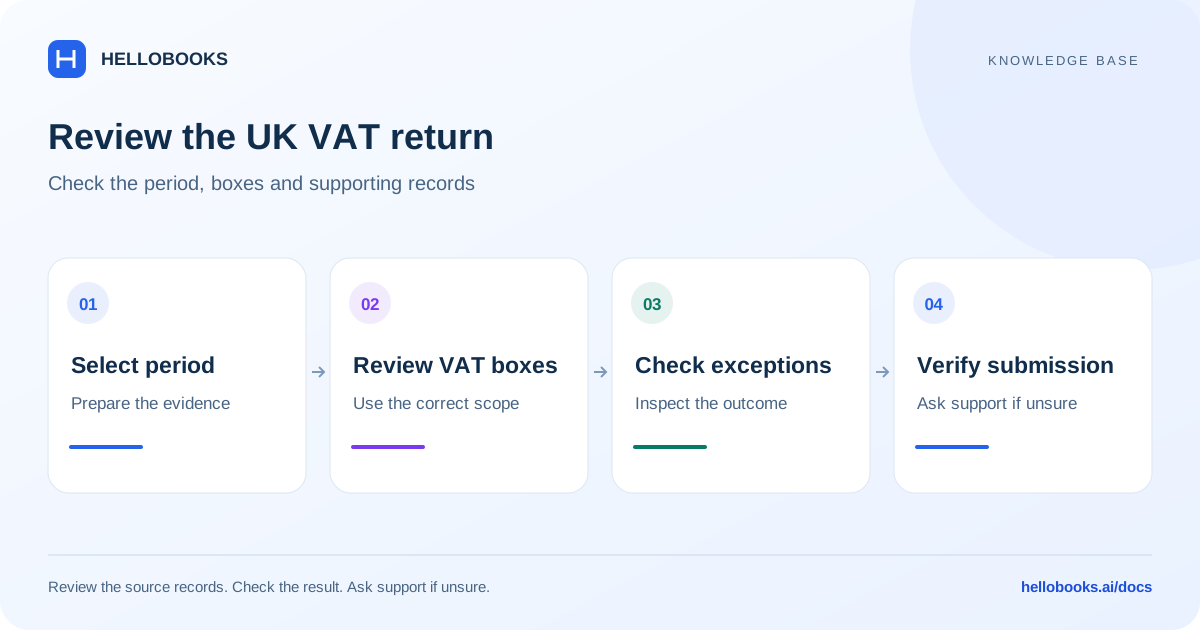
- Confirm the entity, VAT registration, period and applicable scheme.
- Open the VAT detail or draft result and review the underlying sales, purchases and credit notes.
- Use the exceptions and reconciliation views to investigate missing codes, zero tax on coded taxable lines, timing and differences.
- Review the nine boxes, rounding and payable/refund position with the responsible reviewer.
- Confirm the supported HMRC connection and required review status before any submission.
- Retain the actual submission reference and HMRC acknowledgement; check pending or rejected attempts before retrying.
Example: distinguish tax due from a refund position
Illustrative example: Box 1 is 200, Box 2 is 0 and Box 4 is 60. Box 3 is 200, Box 5 is 140 and the simplified signed position is 140 payable. No tax rate is implied by these fictional box values.
If Box 4 were 260 with the other values unchanged, Box 5 would still be a positive 60, but the signed position would be -60. That is why the direction of the result matters. Eligibility and adjustments still need review before treating this as an actual refund claim.
Ask for help with a tax-report difference
Email hello@hellobooks.ai with the entity, country, registration, report name, period, basis, expected versus actual total and relevant document references. Include redacted evidence of the error and any existing submission reference. Send the email to request support; opening a draft does not create a ticket.
Ask your accountant to confirm the applicable tax treatment, rates, eligibility and filing obligation. Do not send passwords, one-time codes, signing credentials or secret keys.
Frequently asked questions
Does a positive Box 5 always mean I owe HMRC?
No. The reviewed backend returns the absolute difference in Box 5. Check the signed VAT position and whether the prepared return shows payable or reclaimable.
Can I use the same calculation for Standard and Flat Rate Scheme VAT?
No. The reviewed Flat Rate Scheme path uses a percentage of gross turnover with scheme-specific input treatment. Confirm the entity scheme, percentage and eligibility with your accountant.
Are PAYE, corporation tax and CIS part of the VAT return?
No. The reviewed frontend has separate report surfaces and APIs for those areas. Use the applicable obligation and period, and verify availability in the account.