

Support · Help
Raise a HelloBooks support ticket when you are unsure
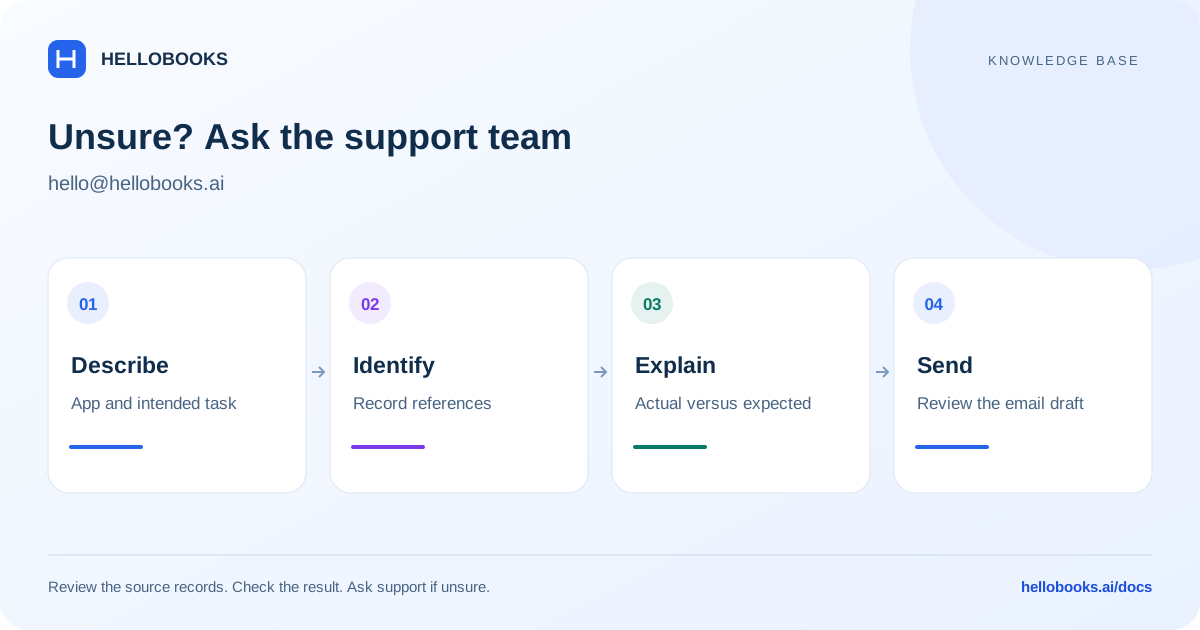
Email hello@hellobooks.ai with the app, record references, exact problem, and intended result so support can help.
On this page
Raise a ticket by email
If a guide does not answer your question, your screen differs from the steps, or you are unsure about a payment, migration, or app workflow, email hello@hellobooks.ai.
Use a clear subject such as: HelloBooks support — Incoming payment allocation — invoice INV-104. The support link on each guide opens an email draft with that guide's title and URL. Review it, add your details, and send it from your email app.
Opening an email draft does not send a message or create a confirmed ticket. Keep your sent email and any reply or ticket reference from the support team.
Include the details that identify the issue
A concise, complete first message reduces the number of follow-up questions.
- Name the app and screen you are using.
- Identify the organization or entity and relevant country, without including credentials.
- Describe what you were trying to do and the result you expected.
- Include the document, payment, order, project, import job, or other record reference.
- State the actual result and copy the exact error message.
- Add the date, time, amount, currency, reporting period, or other scope relevant to the issue.
- List what you have already tried. Attach a redacted screenshot or sample if it helps explain the problem.
What to do while the result is uncertain
For payments, check for an existing entry before creating another. For imports, keep the source file and job reference and check the result before rerunning the same data. For filings, check the submission status and acknowledgement.
Tell support if there is a time-sensitive deadline and give the actual date. Do not assume a response time or that an unconfirmed action has completed.
Ask the knowledge-base chatbot
The HelloChat bubble on the website is another way to ask a question. A useful answer should identify the relevant guide and explain the steps that apply to your situation.
When the knowledge base does not establish an answer, ask the support team rather than relying on a guessed menu path or accounting action. Account-specific investigations need the record references and context described above.
Share only what is needed
Do not email passwords, one-time codes, API keys, signing credentials, or full card details. Redact unrelated personal and financial information from screenshots or examples.
For a large or sensitive file, ask support how to provide it through the appropriate channel. Keep the original evidence available in your own records.
Frequently asked questions
Where should I raise a ticket?
Email hello@hellobooks.ai. Include the app, entity, record references, exact error, expected result, and any relevant redacted evidence.
Does clicking the support link submit a ticket?
No. It opens an email draft. You must review and send it, then keep the support team's reply or reference.
What if the chatbot is unsure?
Ask it for the relevant guide and email hello@hellobooks.ai for help. It should not guess an undocumented procedure.