

Country reports · Help
India: GST reports, tax components and reconciliation
Review GST reports by registration and period, trace CGST/SGST/UTGST/IGST, and separate preparation from filing.
On this page
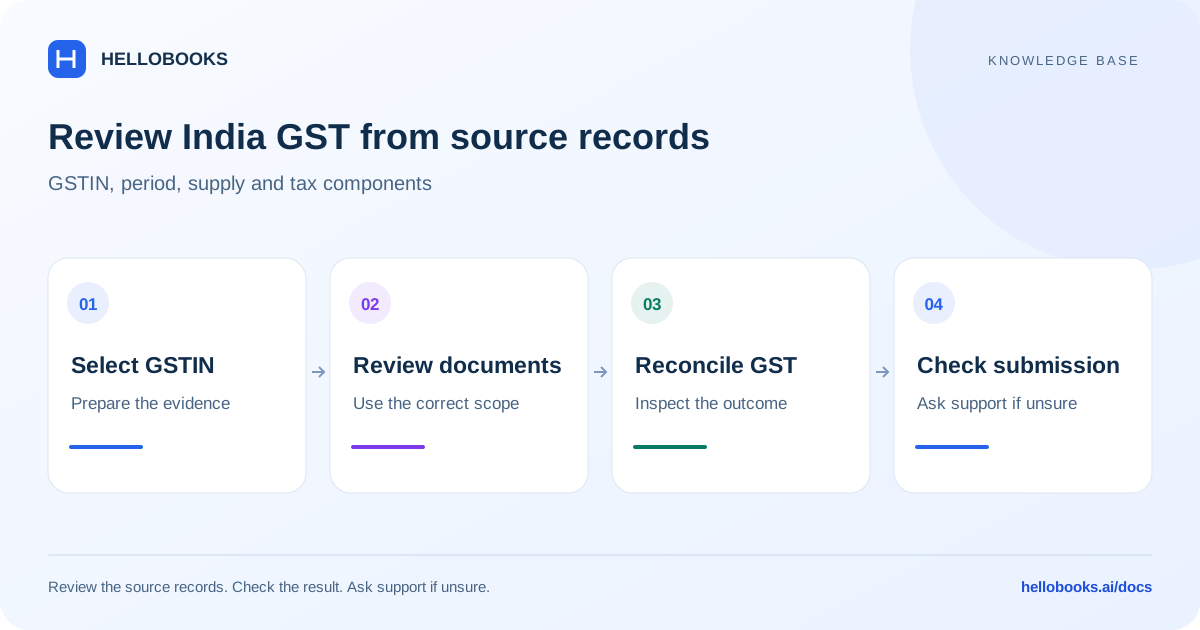
Confirm the Indian entity, GSTIN and period
Select the Indian entity and the intended GST registration. Check the supplier registration/state, customer or vendor registration, place of supply, document date, item classification and tax code. An entity can have more than one registration, so matching the company name alone is insufficient.
Confirm the applicable return and period with your accountant. GST, income-tax withholding (TDS/TCS), payroll statutory reports and e-way-bill information are related compliance areas but do not replace one another.
Find the relevant India report
The GST Reports catalog includes GSTR-2B statement/reconciliation, GSTR-2A reconciliation, ITC summary and detailed ledger, monthly trends, vendor summaries, period comparisons, lapsed/blocked ITC, vendor compliance, ISD, Section 16(4) risk and deferred ITC. These help review available input-credit evidence.
Outward/filing reports include GSTR-1 summary, B2B, B2C Large/Small, registered/unregistered credit and debit notes, exports, advances received/adjusted, HSN and document summaries, and nil-rated supplies. GSTR-3B includes summary, outward supplies, ITC details and filing history, alongside RCM liability, HSN-wise tax, portal-format preview and company GST summary.
The catalog also includes ITC blocking rules, e-way-bill summary, GSTR-9 annual summary and TDS/TCS deducted. The broader Reports tax groups include GST Summary, Input Tax Credit, Tax Liability, TDS deducted/receivable and statutory GSTR-1/GSTR-3B views. Use the registration and period that apply to the report.
This is the report inventory visible in the reviewed source. Each report needs account data and endpoint verification; a label is not a guarantee that every return type is ready for electronic filing.
Understand the GST component calculation
For ordinary taxable lines, the reviewed backend derives the place of supply and supply type, reads the tax components and calculates the component amounts from the taxable base. Intra-state supplies use CGST and the state/union-territory component; inter-state supplies use IGST. Cess and certain special levies are separate components when applicable.
For a simple illustrative line with a taxable base of 1,000 and an assumed total GST rate of 10%, total GST is 100. An ordinary intra-state split would be 50 CGST plus 50 SGST, or the applicable UTGST component. An inter-state illustration would use 100 IGST. The assumed rate is only arithmetic and is not the legal rate for any item.
Do not add SGST and UTGST representations together for the same union-territory component. The reviewed compatibility fields can carry the same amount in both representations; the applicable component and report mapping determine the correct total.
Taxable value, discounts, inclusive pricing, reverse charge, exempt/nil-rated supplies, exports with or without payment, credit notes, margin schemes and cess can change the calculation or its reporting. Confirm those cases from the source document and the applicable tax treatment rather than forcing every line through the simple example.
Review and reconcile a GST report
Use the report to identify and explain differences before preparing a return. A purchase appearing in books is not enough by itself to establish input-tax-credit eligibility.
- Choose the GSTIN and return period, then select the required report.
- Review the date range and filters before generating or updating the result.
- Trace selected outward totals to invoices, credit/debit notes and advances; inspect tax components and place of supply.
- Compare purchase and input-credit records with the relevant portal statement/reconciliation and review unmatched, blocked, deferred or reversed amounts.
- Review the appropriate GSTR-1/GSTR-3B summaries and explain differences in scope or timing instead of assuming they should always match.
- Resolve validation messages, retain the reviewed evidence and follow the supported approval/submission process for the obligation.
Example: reconcile a credit note without losing the original supply
Illustrative example: one ordinary taxable invoice contributes 100 of tax in the chosen period and a correctly linked credit note contributes a 20 reduction to that same report scope. The simplified net output tax is 80. This does not determine the amount payable after input-credit use, reverse charge, interest, fees or other adjustments.
If the report still shows 100, check whether the note is posted, in the correct GSTIN/period and supply classification, and eligible to appear in that report. Do not change a filing merely to make the illustrative arithmetic match.
Confirm filing and acceptance separately
A generated report, portal-format preview, exported file or prepared return is preparation evidence. Check the actual submission status, acknowledgement and authority response to establish filing completion. Keep the period and reference for any pending or rejected attempt.
This documentation audit did not execute tax calculations in an authenticated entity, submit returns or validate statutory eligibility. Exact-rate maintenance and special-case acceptance need accountant review and the applicable supported workflow.
Ask for help with a tax-report difference
Email hello@hellobooks.ai with the entity, country, registration, report name, period, basis, expected versus actual total and relevant document references. Include redacted evidence of the error and any existing submission reference. Send the email to request support; opening a draft does not create a ticket.
Ask your accountant to confirm the applicable tax treatment, rates, eligibility and filing obligation. Do not send passwords, one-time codes, signing credentials or secret keys.
Frequently asked questions
Should I use IGST and CGST/SGST on the same ordinary line?
The applicable supply type determines the component split. Review place of supply and registration details; ordinary intra-state and inter-state treatments differ. Ask support and your accountant when classification is uncertain.
Does GSTR-2B matching automatically prove all ITC can be claimed?
No. Review the applicable eligibility, blocked or deferred amounts and reconciliation status with your accountant. Portal matching is one part of the review.
Does exporting GSTR-1 or GSTR-3B mean it has been filed?
No. Retain the actual submission reference and authority acknowledgement for the period.