

Workflows · Help
Use HelloBooks chat assistants and review their answers
Choose the docs guide panel or the in-app assistant, check context, and review any proposed action before relying on it.
On this page
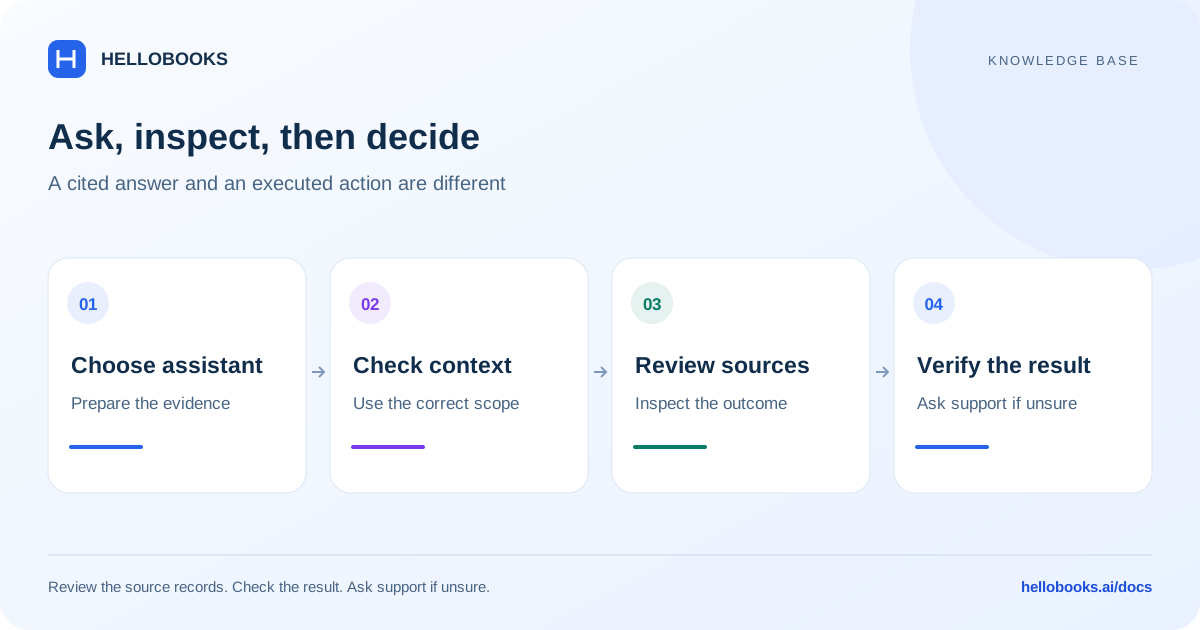
Choose the assistant for the question
The docs guide panel answers from the maintained public knowledge base and shows source links and content dates. It cannot inspect your account, change settings, post a transaction or confirm whether a payment completed. Use it for general “how do I” questions.
The website also has hosted HelloChat. The signed-in application’s assistant is a separate system with entity, period and document context. Do not assume these assistants share conversations or the same capabilities.
Ask the documentation guides
On desktop, use the right-hand Ask the HelloBooks guides panel. On a smaller screen, open Ask the guides.
- Ask a complete question, such as “How do I make a bulk payment?”
- Read the cited procedure and its checks, then open the source link.
- Check the article’s update date and whether its entity, currency or country assumptions fit the task.
- If the answer is missing, unclear or account-specific, use Email hello@hellobooks.ai and send the request from your email application.
- Use Clear conversation to reset. The docs conversation is held in memory and clears when the page reloads.
Check in-app context
The reviewed in-app assistant shows entity context and a period selector. Check these before asking about a record or report; make the document or time period explicit rather than assuming “this month” or “that invoice” has the intended meaning.
The assistant is branded Munimji for India, Arya for the U.S., UK, Australia and other default regions, and Noor in supported MENA countries. Inventory has Stockie. A different display name does not prove a different approval policy or wider permissions.
Review an action before running it
A proposed in-app tool action may show parameters and Run / Skip controls, or a question with its own confirmation labels. Read the intended entity, document, amount, currency and action before confirming. The presence of a confirmation card does not prove every possible assistant operation is protected in the same way.
After an action, open the actual document or report and verify the result. An answer saying “done”, a suggestion to navigate, and a saved transaction are different evidence. If an action fails or times out, check the record before retrying to avoid duplicates.
An Undo prompt is not a universal rollback guarantee. The reviewed UI can send a follow-up undo request; completion depends on the supported action and service response. Contact support if the original result or reversal is uncertain.
Example: ask for instructions before acting
For a general question about allocating one receipt to invoices, use the docs guide and review its customer, currency and balance constraints. For an account-specific question such as an invoice’s current balance, open the invoice in the application or contact support; the public docs panel cannot read that balance.
In an in-app report request, state the entity, report name, period, currency and accounting basis where applicable. Compare the returned summary with the underlying report and investigate differences before using it in a decision.
When to contact support
If a field, permission, saved value or resulting balance differs from this guide, email hello@hellobooks.ai with the entity, screen, record reference, expected result and exact message. Do not send passwords, one-time codes or full bank details. Opening an email draft does not create a confirmed ticket.
Frequently asked questions
Can the docs chatbot record a bulk payment?
No. It provides maintained instructions and citations. Record and verify the payment in the application; confirm any actual bank transfer separately.
Why is the assistant called Arya or Munimji?
The reviewed app changes assistant branding by the selected entity’s country: Munimji for India, Noor in supported MENA regions and Arya by default. Inventory has Stockie. Branding alone does not establish permissions or capability.
Should I trust an AI report summary without opening the report?
Open the underlying report and check the entity, period, basis, filters and totals. A summary is a starting point for review, not proof that all records, tax rules or transactions have been verified.