

Settings · Help
Use the correct country and industry context
Check entity country, tax work area and industry-specific terminology before following a workflow.
On this page
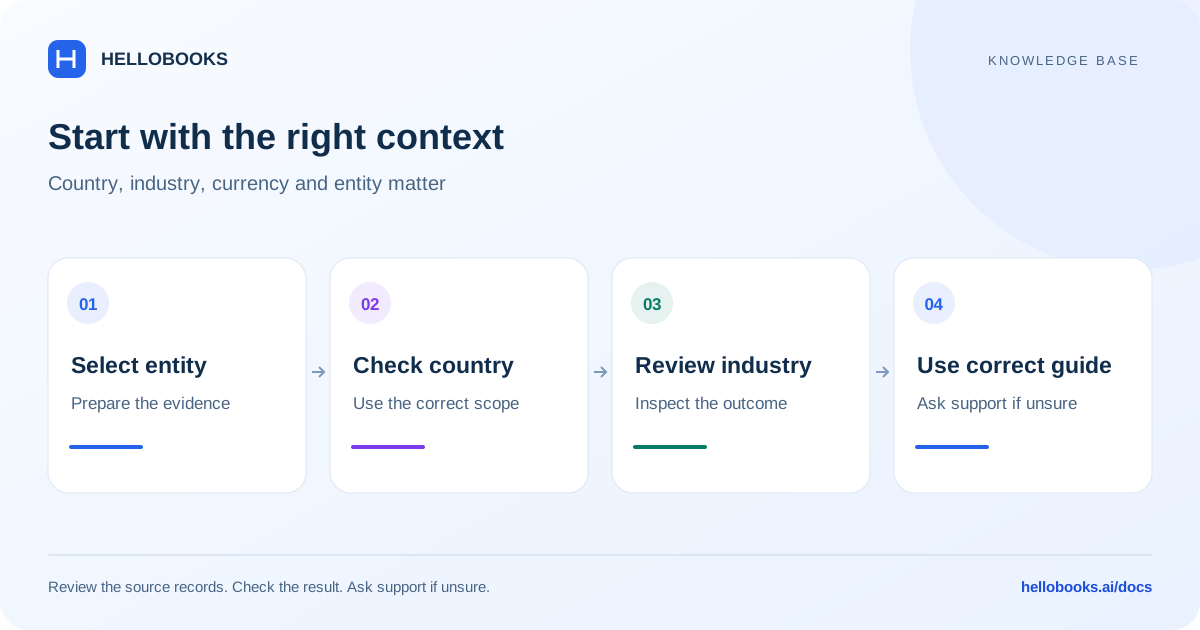
Check the selected entity’s country
HelloBooks uses the selected entity’s country for country-aware work areas. A website language, browser location, currency symbol or assistant name is not sufficient evidence that a particular tax workflow applies.
Before creating documents or running a report, verify the organization, entity, country, currency and reporting period. If the country is absent or wrong, contact your administrator or hello@hellobooks.ai before relying on tax output. Do not change country simply to reveal a missing report.
Choose the right tax work area
The reviewed assistant navigation maps U.S. entities to Sales Tax, India to GST and TDS, the UK to VAT, and Australia to BAS. These routes are separate; a generic tax table or a visible shortcut does not establish that a statutory return is ready to file.
Use the dedicated country reporting guides and verify registration, place of supply or taxing jurisdiction, tax codes, period and adjustments against the source documents. Rates and treatments depend on the transaction and applicable rules; no single sales-tax percentage applies to all four countries.
Review the industry profile
Inventory Preferences > General contains Industry. This profile changes item terminology, recommended units and visibility or required status of some fields. With the generic profile, the interface warns that every optional field is shown.
This is the Inventory industry profile. Company Information > General also has a business Industry field; open the Inventory preference when you intend to change Inventory terminology and field visibility. Do not assume saving one of these settings also updates the other.
Examples of wording include Medicines for pharmacy inventory and Ornaments for jewellery inventory. Renaming the interface does not establish that a tax classification, accounting policy or old record has changed.
Update an industry profile
Use a profile that matches the work performed by this entity. If the choice is unclear, confirm with the administrator or support.
- Select the intended entity before opening Inventory Preferences > General.
- Review Industry and any message about the signup industry or generic setting.
- Select the appropriate Industry and choose Save Industry.
- Wait for “Industry updated”, then revisit the item form to check the labels, suggested units and visible fields.
- Switch entities only after checking that the saved profile belongs to the intended entity. If the save fails, retain the error and confirm the actual saved selection before retrying.
Example: same workflow, different terminology
A pharmacy and a general trading company may both create products, but the pharmacy’s item labels and suggested units can differ. Start from the visible product/item creation workflow and supply the appropriate medicine specification and unit; do not blindly copy another industry’s stock fields.
For country reporting, compare a U.S. sales-tax workflow with an Australian BAS workflow using their own source records and periods. A tax-labelled button is not proof that the calculation or filing format is equivalent.
When to contact support
If a field, permission, saved value or resulting balance differs from this guide, email hello@hellobooks.ai with the entity, screen, record reference, expected result and exact message. Do not send passwords, one-time codes or full bank details. Opening an email draft does not create a confirmed ticket.
Frequently asked questions
Why do item labels differ between companies?
The entity’s industry profile can rename Inventory terms and change recommended units and field visibility. Check Inventory Preferences > General > Industry for the selected entity.
Does choosing an industry change existing accounting data?
The Inventory Industry setting explains that it changes terminology, unit recommendations and manufacturing-field visibility, not existing data. It is separate from the business Industry field in Company Information > General. Check the saved Inventory profile and resulting screen; do not infer a change to historical postings or tax treatment, or assume the two settings update each other.
Which tax report should I use in Australia?
Use the dedicated BAS workflow and its reviewed guide. Do not treat a generic Sales Tax table as an Australian BAS return. Confirm the entity, period and source totals before relying on the output.