Key takeaways
What this article covers, in order:
- Before you start
- Why should I switch from Zoho Books to AI bookkeeping software?
- How do I export data from Zoho Books?
- How do I import Zoho Books data into AI bookkeeping software?
- How does AI Zoho Books integration or replacement work?
- How do I set up GST and e-invoicing correctly?
How to Switch from Zoho Books to AI Bookkeeping Software for Indian SMEs
=======================================================================
If you run a small or growing business in India using Zoho Books but want to save time with automated, AI-enabled bookkeeping, this guide will help you complete the switch smoothly. By the end, you’ll know exactly how to migrate your financial data, set up automation, and handle GST compliance without disruption.
Before you start
- Ensure you have all your accounting data exported from Zoho Books, including invoices, expenses, bank statements, and GST records.
- Register for an AI bookkeeping software in India that supports Indian tax rules, such as HelloBooks.
- Confirm your GSTIN and PAN details are correct and handy.
- Back up your current accounting data securely before making any changes.
Why should I switch from Zoho Books to AI bookkeeping software?
Switching makes sense if you want to reduce manual data entry, automate bank reconciliation, and simplify GST filing with AI-powered accuracy. AI bookkeeping software offers enhanced automation in invoicing, expense management, and error detection compared to Zoho Books.
The biggest mistake is assuming migration will be instantaneous. Plan for a transition period to clean up data and train your team.
AI like that behind HelloBooks can categorise transactions intelligently and spot anomalies, saving valuable time each week and reducing errors that cause filing issues.
How do I export data from Zoho Books?
Zoho Books allows exporting invoices, bills, contacts, and bank transactions in CSV or Excel formats. Log in, select the relevant modules, and use the Export option. Also download your filed GST returns for reference.
You should export:
- Invoices and credit notes to carry forward customer billing history.
- Bills and expenses for supplier payments and tracking.
- Contacts including customers and vendors.
- Chart of accounts to replicate your accounting framework.
- Bank transactions for reconciliation.
- GST returns filed (GSTR-1, GSTR-3B) for audit trails.
A common error is missing linked data. For example, exporting invoices without associated contacts leads to incorrect party names on import.
How do I import Zoho Books data into AI bookkeeping software?
Most AI accounting software tailored for Indian SMEs supports guided imports that map Zoho exports to their system fields. Upload invoices, expenses, and bank statements, then review warnings or unmatched entries flagged by the system.
Tips for smooth import:
- Use supplied sample templates if formatting is needed.
- Validate GSTIN formats and invoice numbers carefully.
- Import contacts before invoices for proper data relationships.
- Check for duplicate entries to avoid inflated balances.
AI bookkeeping software can auto-detect GST rates from item descriptions, speeding up data entry. One costly mistake is skipping reconciliation after import—always verify opening balances and outstanding transactions match your Zoho Books reports.
How does AI Zoho Books integration or replacement work?
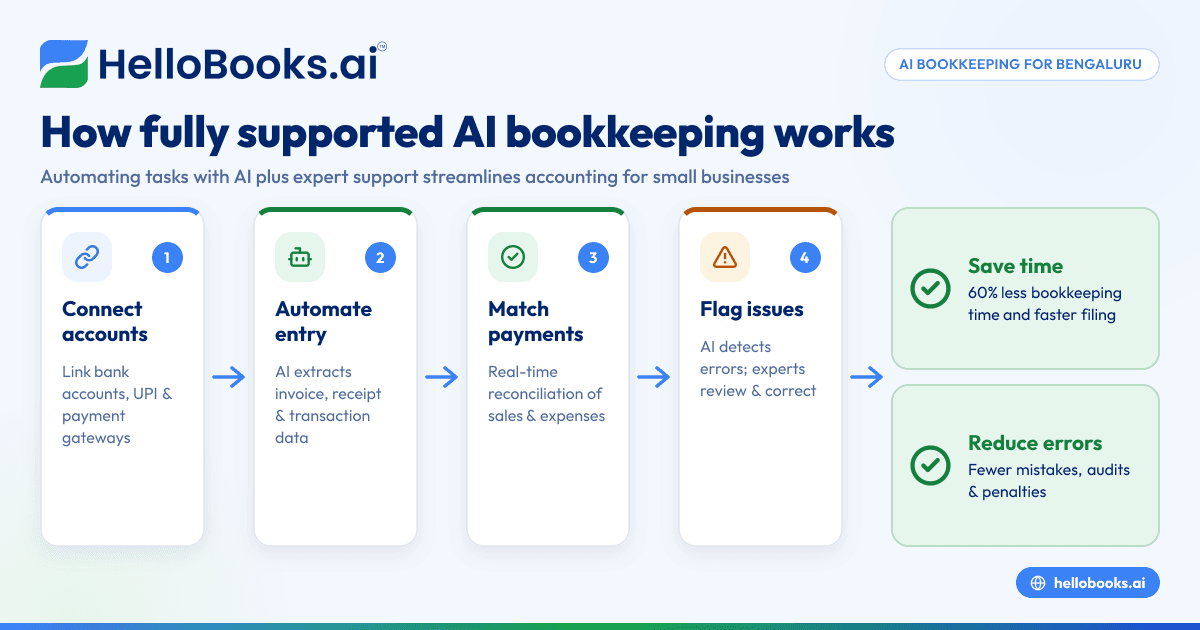
The term AI Zoho Books can mean using AI-enhanced software as a Zoho Books alternative that automates tasks like categorisation, reconciliation, and GST filing. AI bookkeeping platforms analyse your exported data and intelligently handle routine processes that Zoho Books might require manual input for.
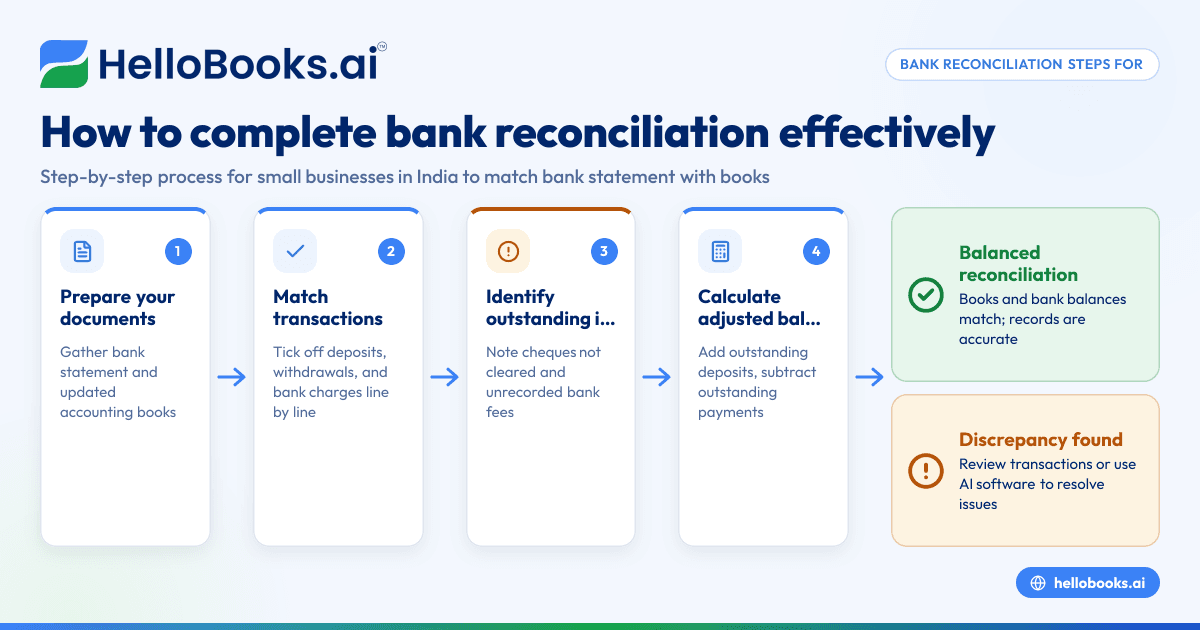
HelloBooks, for example, uses AI to automate bank reconciliation by matching transactions with invoices and expenses based on invoice numbers or UPI references, reducing unmatched items. This makes bookkeeping faster and more accurate than standard Zoho workflows.
How do I set up GST and e-invoicing correctly?
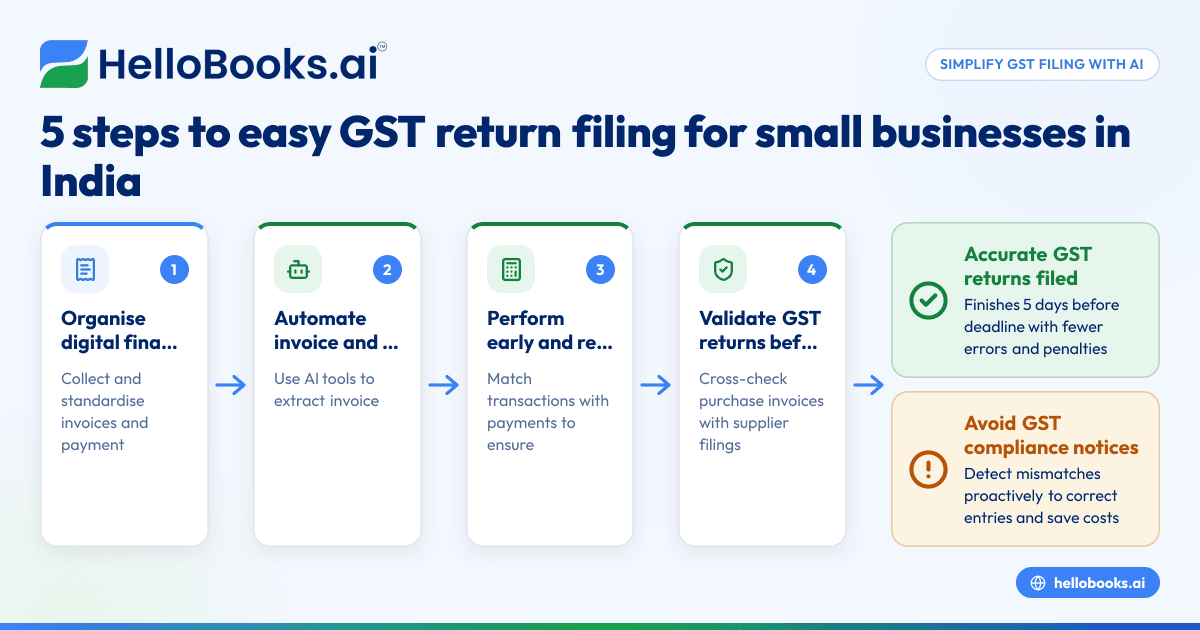
Enter your GSTIN into the new software and verify it against the GST portal. Configure product tax rates (5%, 12%, 18%, 28%) as applicable. If your turnover exceeded ₹20 crore last financial year, enable mandatory e-invoicing where the software connects with the Invoice Registration Portal (IRP) to generate Invoice Reference Numbers (IRN) and QR codes.
Set authorised signatory details and filing schedules for returns like GSTR-1 and GSTR-3B. Incorrect GST setup can lead to penalties, especially if HSN/SAC codes or tax rates are wrong.
How can I automate bank reconciliation and expense management?
Link your bank accounts via net banking APIs or upload statements manually. AI then fetches transactions and automatically matches them with invoices or expenses, flagging exceptions.
To do this well:
- Keep your net banking credentials ready for linking.
- Use bank API integrations provided by banks in Mumbai, Pune, Bengaluru, and others.
- Define rules for frequent payments to help AI categorise them efficiently.
Missing regular bank feed updates or ignoring flagged mismatches causes delayed month-end closing. HelloBooks’ AI matches payments based on invoice numbers or UPI references, cutting manual checking significantly.
Can AI bookkeeping software help with compliance and reports?
Yes, AI-powered software generates GST reports, profit & loss statements, and balance sheets instantly. It also reminds you of filing deadlines to avoid penalties.
You can get summaries of returns like GSTR-1 and GSTR-3B, ITC reconciliation reports, and tailored financial statements for decision-making or loan applications.
Ignoring software alerts is a common error, so ensure notifications are enabled and reviewed regularly. The data exports also assist your accountant if you use a find an accountant.
Worked example: Migrating your Bengaluru-based SME from Zoho Books to AI bookkeeping
Your Bengaluru SME, “TechGear Pvt Ltd”, earned ₹50 lakh revenue last year, using Zoho Books for billing. You want to shift to AI bookkeeping software like HelloBooks.
Step 1: Export from Zoho Books
Extract:
- 1,200 invoice and credit note records as Excel.
- 450 expense bills.
- Bank transactions from HDFC Bank for the last year.
- Contacts list.
- Filed GST returns (GSTR-1, GSTR-3B PDFs) for reference.
Step 2: Register and import into HelloBooks
Sign up at HelloBooks, verify GSTIN (29ABCDE1234F1Z5), then upload invoices, expenses, and contacts. Import bank transactions via CSV upload.
The AI recognises GST rates like 18% for IT accessories and 12% for some software services automatically.
Step 3: Set up GST and e-invoicing
Since turnover is ₹50 lakh, e-invoicing is voluntary. GST filing is enabled from HelloBooks.
Step 4: Connect HDFC bank account
Link the HDFC account with net banking API so transactions sync daily. HelloBooks matches ₹10 lakh of payments to invoices automatically and flags 20 exceptions for review.
Step 5: Review and reconcile
Verify GST summaries and check AI-generated P&L reports displaying revenue, expenses, and tax liabilities clearly.
This phased migration reduces manual effort from days to hours and improves filing accuracy.
By following this guide, you are set to leave Zoho Books behind and get the benefits of AI bookkeeping software built for Indian SMEs. The next step is to explore demos or pricing plans and choose software that fits your business. You can book a demo or compare plans with HelloBooks to begin automating your accounting today. Proper setup and consistent use of AI tools will save you time and money this financial year.
Related reading
- How AI Bookkeeping Software Handles Complex Bank Reconciliation Steps for Indian SMEs
- How Busy Accountants in Indian SMEs Can Leverage AI Bookkeeping to Save Time
Read next
This article covers one part of a bigger topic. For the complete picture, read our guide to zoho books.