Key takeaways
What this article covers, in order:
- Before you start
- Step 1: What exactly is bank reconciliation and why do it?
- Step 2: How do I start matching transactions?
- Step 3: What about unmatched transactions? How do I handle them?
- Step 4: Can AI bank reconciliation software really help?
- Step 5: How to finalise reconciliation and generate reports?
How AI Bookkeeping Software Handles Complex Bank Reconciliation Steps for Indian SMEs
=====================================================================================
This guide is for Indian small business owners, finance leads, and accountants who want to complete accurate bank reconciliation with less hassle. By the end, you will have understood key bank reconciliation steps and how AI bookkeeping software simplifies them.
Before you start
- Ensure you have access to your business bank statements (digital or physical).
- Have your company’s accounting records ready in your current system or spreadsheets.
- Know your transaction categories and GST treatment for sales and purchases.
- Keep login details ready if using software that connects to your bank for statement import.
Step 1: What exactly is bank reconciliation and why do it?
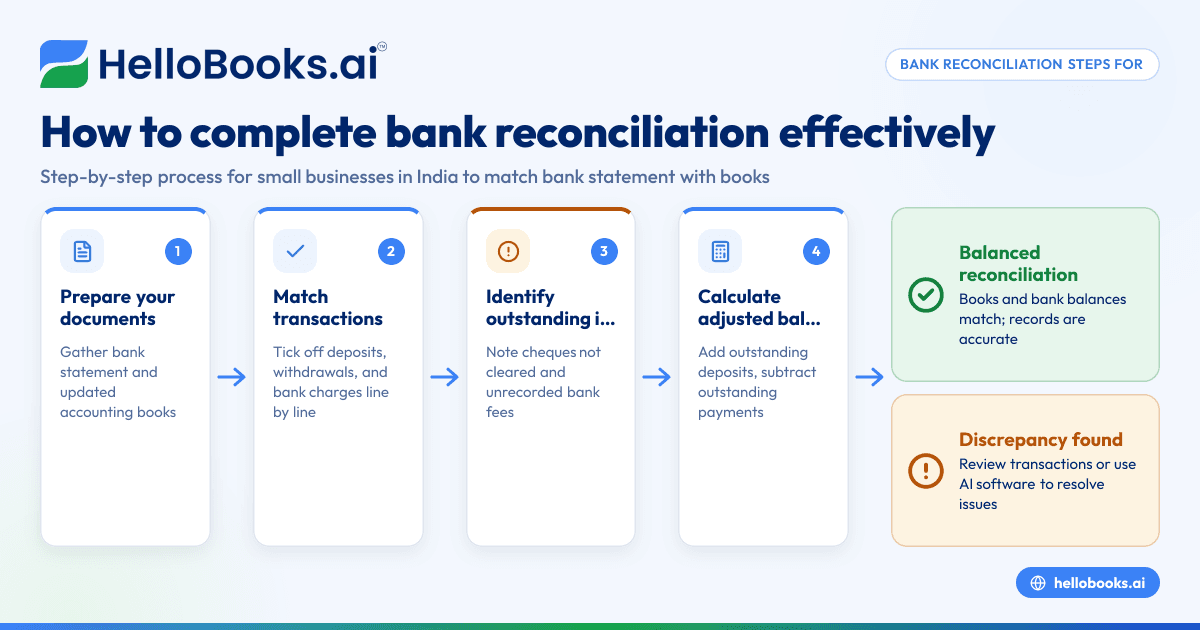
Bank reconciliation means checking your business’s accounting records against your bank statement to confirm that every transaction is recorded correctly. This process identifies mistakes such as missing payments, duplicate entries, or unauthorised withdrawals.
Why do it? Your bank’s view and your books must agree to give a true picture of your cash position. This helps you plan for expenses, avoid overdrafts, and submit accurate GST returns on time. For example, GST rules require correct input tax credit claims based on valid purchase invoices recorded in your books. If your books don't reflect bank charges or supplier payments accurately, your GST filings may be wrong, leading to penalties.
A common error is to do bank reconciliation only when preparing for audits or tax filings. Delaying or skipping reconciliation means errors compound, increasing risk of cash mismanagement or tax non-compliance.
Step 2: How do I start matching transactions?
Begin by importing your bank transactions digitally. You can download your statement as a CSV or PDF from your bank’s netbanking portal or connect your bank account directly to AI bookkeeping software that supports secure APIs. This reduces manual data entry errors and speeds up the process.
Next, check each bank entry against your accounting records. Focus on these details:
- Transaction amount: Do figures match exactly, including decimals?
- Date: Bank date may differ from your record by a day or two (e.g., cheque clearance dates).
- Description: Vendor names, payment references, or cheque numbers help verify entries.
Mark matched transactions as reconciled in your software or spreadsheet.
Avoid trying to reconcile thousands of transactions in one go without filtering. People often get overwhelmed and miss obvious mistakes. Instead, work batch-wise—for instance, reconcile sales receipts first, then supplier payments.
Step 3: What about unmatched transactions? How do I handle them?
Unmatched transactions can occur for several reasons:
- Timing differences: A cheque issued last month might clear only this month, so it appears in bank but not books, or vice versa.
- Missing entries: Bank charges, interest income, or supplier payments might not have been recorded.
- Data entry errors: Amounts recorded incorrectly or transactions duplicated.
Investigate unmatched transactions by:
- Confirming with your bank if a delayed cheque or ECS payment is in process.
- Checking your physical invoices, receipts, or payment proofs to verify missing entries.
- Ensuring you’ve accounted for GST on new payments correctly.
Ignoring unmatched items skews your cash balance and financial statements. It also delays identifying fraud or accounting errors.
Step 4: Can AI bank reconciliation software really help?
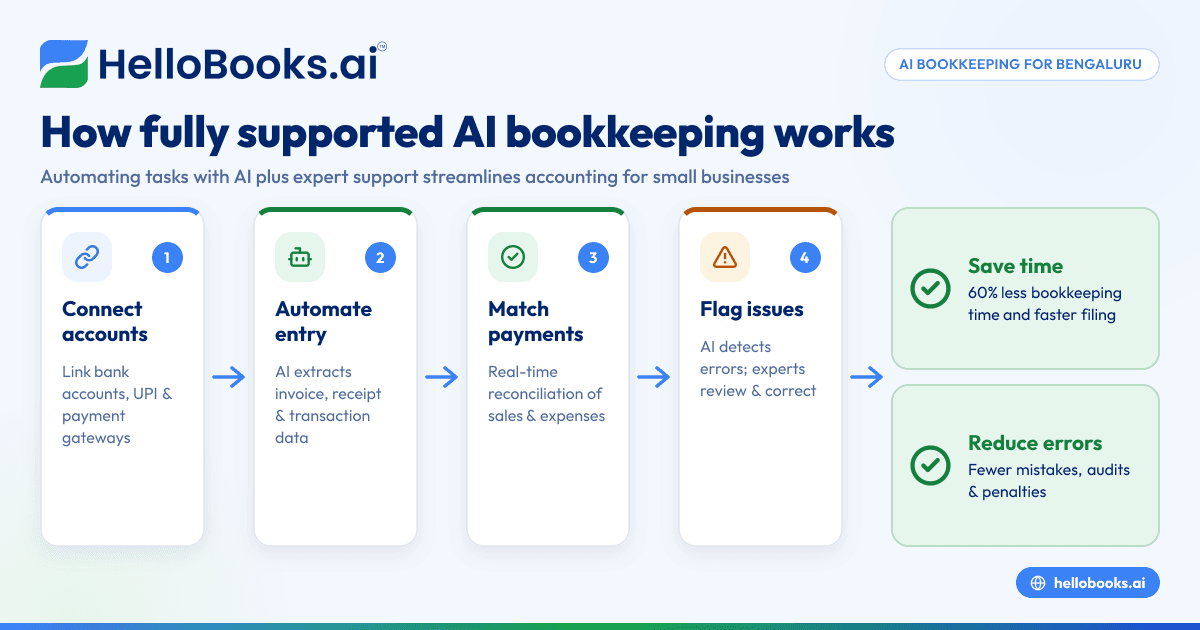
AI-powered bookkeeping software takes over repetitive matching tasks by learning your business’s payment patterns. For example, if you regularly pay a supplier like IndiaMART for supplies every month for ₹1 lakh, the AI remembers this and automatically pairs new payments.
It also highlights unusual or unmatched transactions for review. For instance, if a vendor amount jumps suddenly from ₹1 lakh to ₹3 lakh without a matching invoice, the software flags this for your attention.
This reduces manual review time drastically, especially for SMEs handling hundreds of transactions monthly.
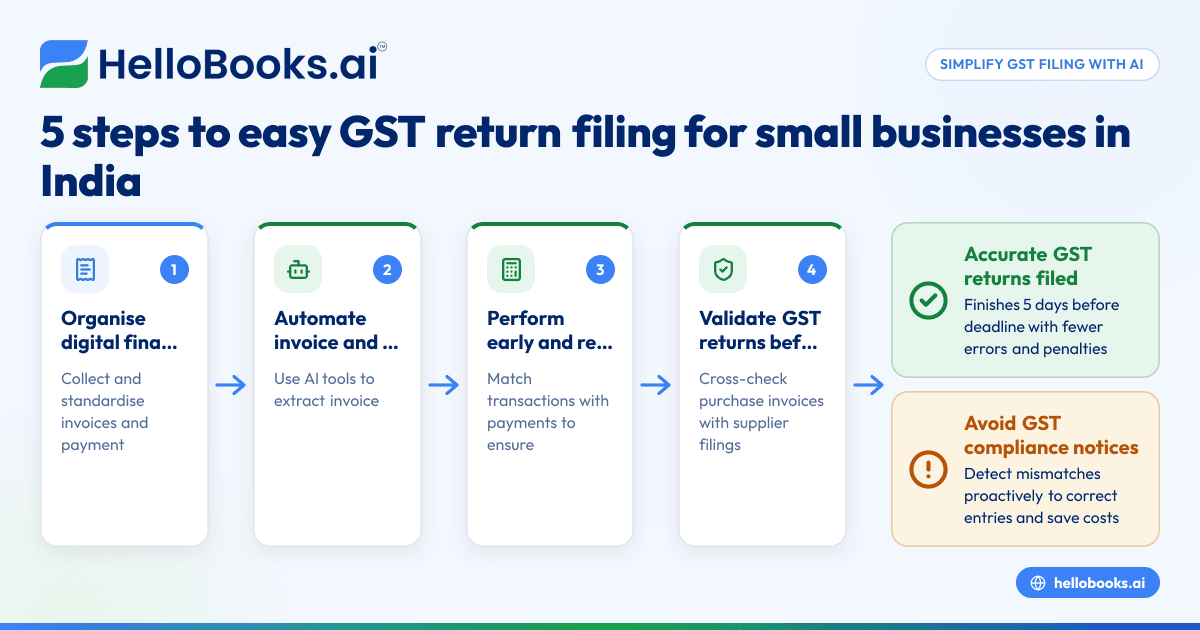
Another benefit is real-time updating of GST tax details when transactions are matched. This helps you prepare accurate GST reports and file returns with confidence.
One pitfall: Some businesses overly rely on full automation without reviewing flagged mismatches rigorously. Always review exceptions before approving reconciliation.
Step 5: How to finalise reconciliation and generate reports?
Once every transaction is matched or accounted for, approve your bank reconciliation statement. The software updates your ledger balances accordingly.
You can then generate detailed reports, including:
- Summary of reconciled vs. unreconciled transactions.
- Bank charges and interest income breakdown.
- GST impact on input tax credit and output tax liability.
- A list of exceptions or flagged items for audit trail.
These reports support audits, help with bank relationship management, and ensure your accounting records are accurate for tax filings.
Worked example: Reconciling April’s Bank Statement for a Mumbai-based SME
Rajesh runs a textile trading firm in Mumbai. His April bank statement shows:
- ₹12 lakh in sales receipts credited.
- ₹8 lakh paid to suppliers.
- ₹1 lakh in miscellaneous expenses and bank charges.
Rajesh imports his April bank statement into AI accounting software.
- The AI matches ₹18 lakh worth of sales receipts and supplier payments with his accounts automatically.
- The software flags ₹50,000 of bank charges that Rajesh hadn’t recorded earlier.
- One ₹50,000 payment to a supplier from early April isn’t in his books—maybe missed earlier.
- Rajesh reviews flagged transactions, adds missing bank charges and the supplier payment, entering correct GST details on purchase.
- The AI recalculates GST input tax credits considering newly added entries.
- Reconciliation completes, ledger balances update, and Rajesh generates a detailed report.
- Rajesh verifies that the cash balance now exactly matches his bank statement and is ready to file his monthly GST return confidently.
This example shows how AI bookkeeping software simplifies and speeds up otherwise tedious manual reconciliation work.
What are the common challenges Indian SMEs face with bank reconciliation?
Indian SMEs frequently grapple with:
- High transaction volumes, especially in cities like Bengaluru and Pune with growing business activity.
- Timing delays from cheques and electronic payments not clearing immediately.
- Complex GST treatment requiring accurate classification of transactions.
- Managing multiple bank accounts in different cities, complicating reconciliation.
Manual reconciliation using spreadsheets or Tally takes hours weekly and is prone to human error.
AI bookkeeping solutions handle transaction importing, automatic matching, and GST compliance workflows, helping business owners and accountants save time and reduce risk.
How often should I perform bank reconciliation for my business?
For GST compliance and cash flow accuracy, monthly reconciliation after the bank statement is received is the bare minimum. Businesses with frequent transactions should reconcile weekly or even daily if software is connected to bank APIs.
Regular reconciliation prevents backlog and errors, enabling you to identify issues sooner—like duplicate payments, fraudulent transactions, or unrecorded bank charges.
With AI-enabled realtime reconciliation, you can gain daily cash flow visibility, empowering better spending and tax planning decisions.
Streamline your bookkeeping and reclaim your time with practical AI support in accounting. Compare plans to find the right fit at /pricing and start faster bank reconciliation today.
Ready to speed up your bank reconciliation with AI? Book a demo at /book-a-demo and see how automated AI accounting software can transform your finance processes.
Related reading
- bank reconciliation software
- How AI Bookkeeping Software Can Simplify Bank Reconciliation for Small Businesses in the United States
- How Delaware Small-Business Owners Can Choose AI Accounting Software to Simplify Sales Tax and Bank Reconciliation
Read next
This article covers one part of a bigger topic. For the complete picture, read our guide to supported with caveat.