
Key takeaways
What this article covers, in order:
- Free Accounting Software vs Paid: Knowing When to Upgrade
- Understanding the tradeoffs
- Key differences
- When free is enough
- Limitations to watch for
- Signs you need to upgrade
Free Accounting Software vs Paid: Knowing When to Upgrade
Understanding the tradeoffs
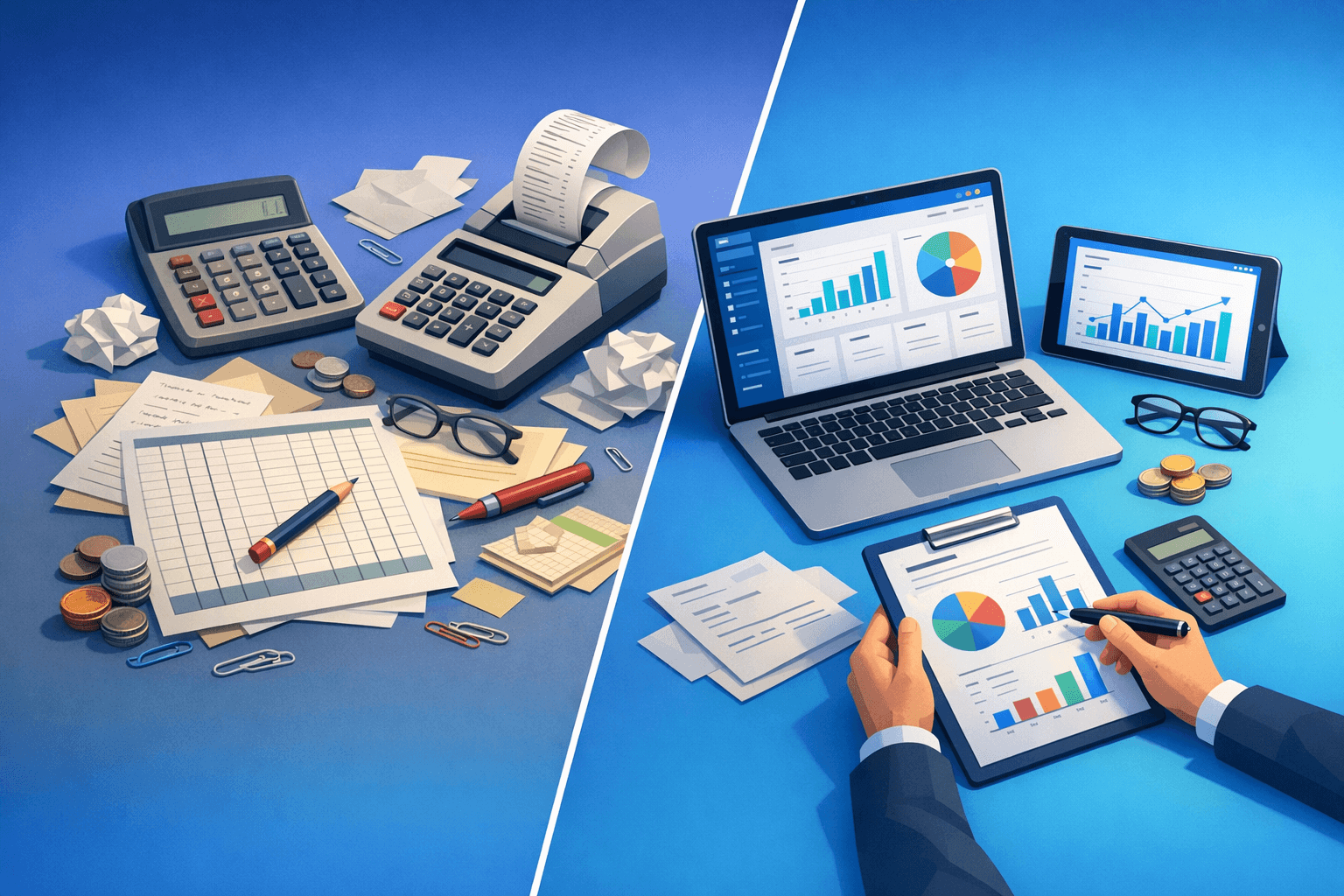
Whether to go with free or paid accounting software is a question of needs, scale, and what’s on the horizon. These free options generally include basic bookkeeping and small invoicing, so they can meet many early-stage operations’ needs. Paid systems layer advanced features and automation that can save growing teams a great deal of time, making them a better fit for more demanding needs. In this section, we outline the key differences and frame your thinking on when to upgrade.
Key differences
Free software pools up tricks, limits stuff (features, user accounts, reporting options) in very predictable ways. Paid software usually provides multi-user access, more in-depth reporting and access to financial controls that support compliance. Costs, support, and integration options vary as well, and those elements can affect day-to-day workflows for accounting and operations. Understanding the differences provides insight on prioritizing which features will actually matter as the business matures.
When free is enough
Free accounting software is often more than adequate for early needs for small sole proprietors and hobby ventures. As long as you are just tracking income, simple expenses & generating the odd invoice now and then, free tools are money savers and easy to maintain. Free options also allow new business owners to learn the basics of bookkeeping without immediately paying a financial penalty, which minimizes early-stage complexity. If your tax reporting is relatively simple and you don’t need to run payroll, free software may be the right option for you.
- An individual with basic invoices and expenses
- Infrequent transactions and limited bank accounts
- No payroll or complicated tax reporting requirements
Limitations to watch for
Free software often has no audit trails and other advanced reporting that support scaling, even when it might be all you need. Once you bring on a staff, or you add inventory, or you require multi-currency handling, those limitations become operational bottlenecks. Free software might also come up short on data export options, making transitions harder down the line. Knowing these ceilings allows you to plan the upgrades, so they're not disrupting business processes.
Signs you need to upgrade
There are a few obvious signs that it’s time to move on to paid accounting software. Strong tools and controls are required due to high transaction volume, multiple users who need access, and more complex tax reporting. Automate those tasks with paid features that save you measurable amounts of time when repeating manual work takes hours a week. Find these signals and use them for practical triggers of an upgrade.
- Time-consuming manual reconciliations
- Different permission levels are required for different team members
- You require detailed fiscal statements for lenders or owners
Preparing to upgrade
Accounting upgrade preparations also help minimize the migration friction and reduce data loss risks. Begin by cleaning and reconciling existing accounts, so only valid data flows to the new system. Determine what historical records need to be saved, and what can probably be archived or summarized, in order simplify setup. Planning integrations with bank feeds, payment systems and payroll will also help make the transition smoother and prevent double manual entry.
- Balance accounts prior to migration starting
- Select only the relevant history for import
- Plan essential integrations in advance
Cost versus benefit analysis
A meticulous cost vs benefit analysis saves you money on features that you will never use. Well calculate time saved, error minimized and where reporting efficiency improved against subscription and setup costs. When calculating returns, include indirect benefits like speedier month-end closes and better cash flow visibility. This hands-on method transforms upgrade selections from emotional choices into business decisions.
Decisions & Next Steps
Plan the move based on data and with clear milestones and contingencies when benefits exceed costs. Before the complete transition, train staff members on new workflows to minimize errors and maintain productivity. Implement an overlap period, running both systems in parallel to validate data and build confidence in new processes. Follow the upgrade by checking monthly metrics to ensure that the shift produced anticipated double-digit gains.
Post-upgrade checklist
A short checklist simply helps ensure that the upgrade attains these aims, and maintains stability in the accounting function. Validate reconciliation of bank feeds, user permission roles are aligned, and automated reports run as scheduled. Watch for error logs and fix exceptions in a timely manner so that discrepancies don’t compound. Ask for user feedback regularly to improve not only the setting but also the capture process.
- Ensuring that bank feeds and reconciliation is correct
- Ensure user permissions with role testing
- Routine financial reports and checks in automation
Conclusion
Deciding between free and paid accounting software takes some clear thinking regarding current requirements and future growth. Free tools can work for a lot of smaller operations, but growth has a habit of exposing gaps that paid-for systems fill in efficiently. Implement measurable triggers, plan adequately and assess costs vs. benefits so you can move at the appropriate moment. Designing a future upgrade saves time, minimizes errors and provides tighter financial control as your operations grow.