
Key takeaways
What this article covers, in order:
- Why this comes up / what goes wrong
- Step-by-step
- Example (fictional figures)
- Common mistakes
- Doing this with OCR for purchase bills
- Frequently asked questions
Accounting for a media agency means accurately tracking income from clients, managing vendor expenses, and ensuring GST compliance tailored to the media and advertising industry. Media agencies often work on multiple client projects with varying billing terms, handle vendor payments for media placements and creative services, and must reconcile bank statements regularly. This article explains why accounting for media agencies can be complex, outlines clear steps to manage books effectively, provides a practical example, highlights common mistakes, and shows how OCR for purchase bills can reduce manual data entry.
Why this comes up / what goes wrong
Media agency owners and accountants in India often struggle with managing multiple clients, each with different billing cycles and GST requirements. Many still use Excel, Tally, or manual bill books, which leads to frequent data entry errors and delayed reconciliations. Vendor bills for media buys and creative services add to the volume of transactions, increasing the chance of missing or incorrect entries. GST compliance requires timely and accurate filing of GSTR-1 and GSTR-3B returns, which can be challenging without streamlined processes. Without proper accounting systems, agencies risk losing time, making errors, and facing penalties.
Step-by-step
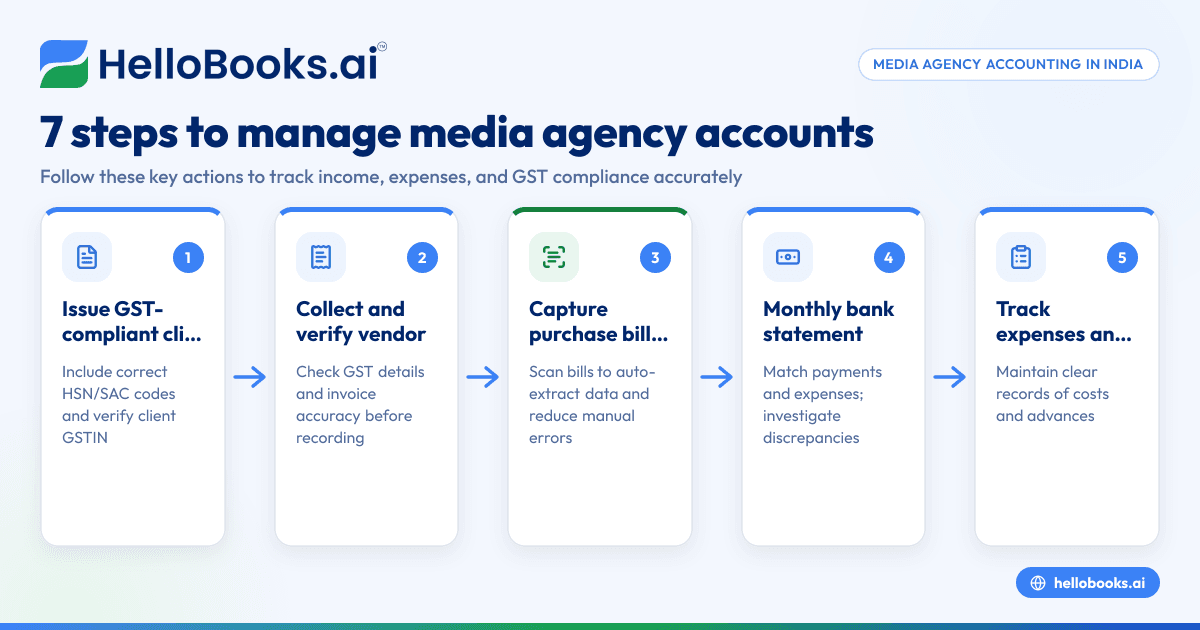
- Issue GST-compliant Client Invoices: For each client project, generate invoices including the correct HSN/SAC codes for media services. Verify the client’s GSTIN to ensure compliance.
- Collect and Verify Vendor Bills: Obtain bills from media vendors and creative suppliers. Check GST details and invoice accuracy before recording.
- Capture Purchase Bills Using OCR: Instead of manual entry, scan vendor bills using OCR technology to auto-extract line items and match them to expense categories or inventory. This reduces errors and saves time.
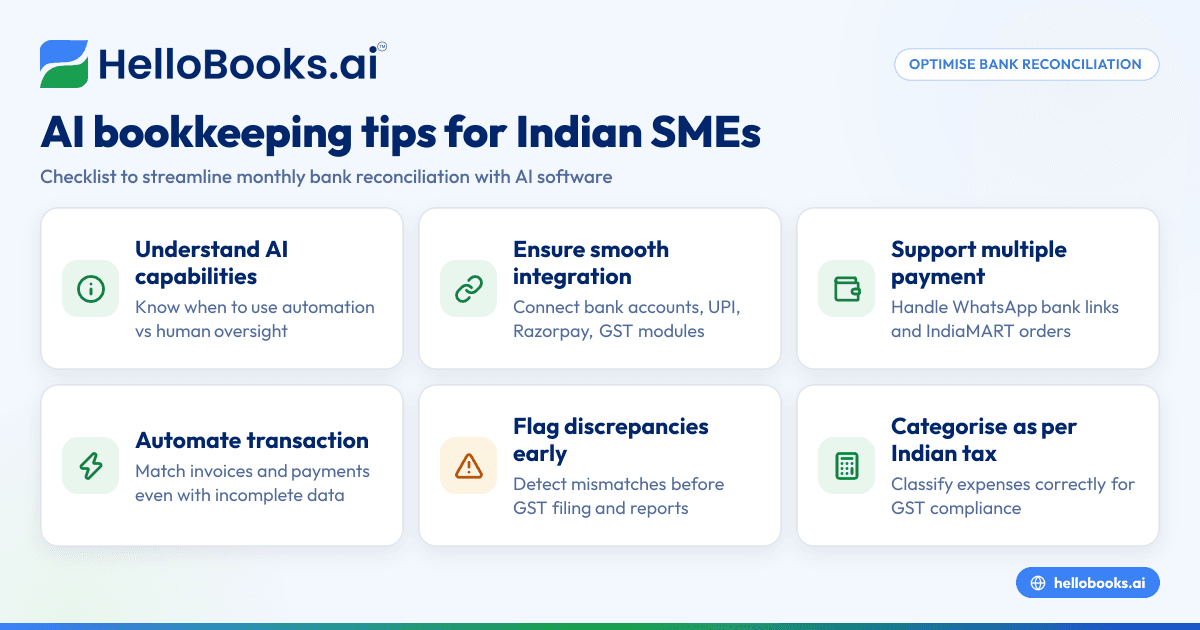
- Regular Bank Statement Reconciliation: Upload bank statements monthly to match client payments and vendor expenses. Investigate any discrepancies promptly.
- Track Expenses and Advances Separately: Maintain records of all expenses related to media buys, salaries, office costs, and any advances given or received.
- File GST Returns on Time: Prepare and file GSTR-1 with details of outward supplies and GSTR-3B for summary tax payments within deadlines to avoid penalties.
- Generate and Review Financial Reports: Monthly review of profit and loss, cash flow, and GST reports helps monitor business health and plan cash flows.
For more on accounting tailored for service businesses, see IT and professional services.
Example (fictional figures)
A Pune-based digital media agency bills a client ₹1,20,000 on 15/03/2024 for social media advertising services (assumed GST rate 18%). On 10/03/2024, the agency receives a vendor bill for ₹50,000 for media placement.
Client invoice GST calculation:
₹1,20,000 × 18% = ₹21,600
Total invoice amount = ₹1,20,000 + ₹21,600 = ₹1,41,600
Vendor bill GST calculation:
₹50,000 × 18% = ₹9,000
Total bill amount = ₹50,000 + ₹9,000 = ₹59,000
Accounting entries:
- Record ₹1,41,600 as accounts receivable from the client.
- Record ₹59,000 as accounts payable to the vendor.
- Reconcile payments when received and paid.
Common mistakes
- Not verifying client GSTINs: Leads to incorrect GST filings. Always confirm GSTIN before invoicing.
- Manual data entry errors in bills: Cause mismatches during reconciliation. Use OCR scanning to reduce errors.
- Delaying bank reconciliation: Causes cash flow confusion. Reconcile monthly without fail.
- Missing GST filing deadlines: Results in penalties. Set reminders and prepare returns early.
- Ignoring expense categorisation: Hampers financial analysis. Maintain clear expense heads.
- Not tracking advances separately: Leads to confusion in accounts. Record advances distinctly.
Refer to GST invoicing for best practices on invoicing.
Doing this with OCR for purchase bills
OCR for purchase bills lets media agencies capture supplier bills from photos or PDFs instead of manual entry. This feature auto-extracts line items and matches them to expense categories or inventory, saving time and reducing errors.
Frequently asked questions
What GST rates apply to media agency services?
GST rates for media services are generally 18%, but rates can vary based on the specific service. It is important to confirm the applicable HSN/SAC codes and GST rates before invoicing. NEEDS EXPERT REVIEW.
How often should bank statements be reconciled?
Bank statements should be reconciled monthly to ensure all client payments and vendor expenses are accounted for. Regular reconciliation helps detect discrepancies early and maintain accurate cash flow records.
Can I use Excel or Tally instead of accounting software?
While Excel or Tally can be used, manual entry increases the risk of errors and consumes more time, especially for GST compliance. Using software with OCR and automation features improves accuracy and efficiency.
What GST returns must a media agency file?
The primary GST returns are GSTR-1 for outward supplies (invoices issued) and GSTR-3B for monthly summary tax payments. Filing these returns accurately and on time is essential to avoid penalties.
How does OCR for purchase bills help media agencies?
OCR technology automates purchase bill entry by reading bills from photos or PDFs, reducing manual data entry and errors. This speeds up bookkeeping and improves accuracy.
See more on HelloBooks for India.
Key takeaways
- Issue GST-compliant client invoices with verified GSTINs.
- Use OCR scanning to automate purchase bill entry and reduce errors.
- Reconcile bank statements monthly for accurate cash flow management.
- File GSTR-1 and GSTR-3B returns on time to comply with GST regulations.
- Maintain clear expense categories and track advances separately.
- OCR for purchase bills suits media agencies and IT services.
Start managing your media agency accounts efficiently. Start on the Free plan (200 transactions a year, GSTR-1 and 3B filing for one GSTIN).