


Key takeaways
What this article covers, in order:
- How to fix errors in GSTR-1
- Key dates and limits to remember
- Common mistakes to avoid
- How HelloBooks helps
- Frequently asked questions
Catch and fix invoice errors in GSTR-1 before you submit. Follow these steps.
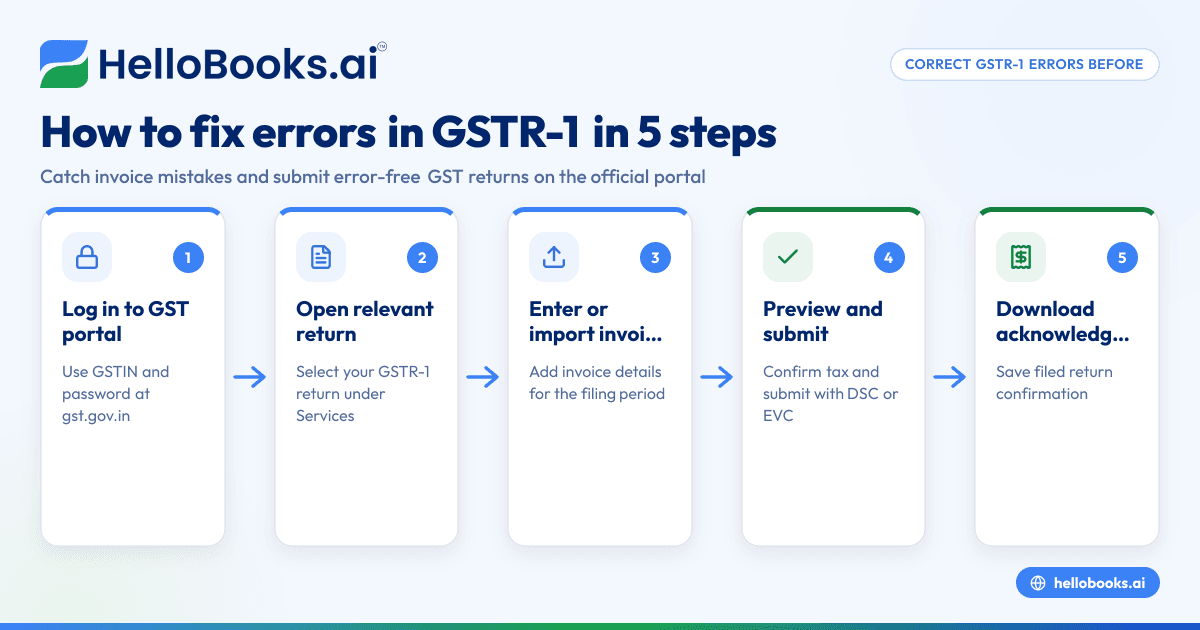
How to fix errors in GSTR-1
- Log in to the GST portal (gst.gov.in) with your GSTIN and password.
- Open the relevant return or service from the Services menu.
- Enter or import your invoice details for the period.
- Preview, confirm the tax computation, and submit with DSC or EVC.
- Download the filed acknowledgement for your records.
Key dates and limits to remember
- GSTR-1 (outward supplies): 11th of the next month, or quarterly under the QRMP scheme.
- GSTR-3B (summary and tax payment): 20th of the next month, or 22nd/24th quarterly under QRMP.
- CMP-08 (composition dealers): 18th of the month after each quarter.
- GSTR-9 (annual return): 31 December of the following financial year.
Filing late costs a late fee of ₹50 per day (₹20 per day for a nil return), subject to a cap, plus interest at 18% per annum on any tax paid late — which is exactly why a reminder-driven filing routine pays for itself.
Common mistakes to avoid
- Skipping reconciliation against GSTR-2B before claiming input tax credit.
- Forgetting to file a nil return — it is still mandatory and still attracts a late fee.
- Entering the wrong place of supply, which sends CGST/SGST where IGST was due.
How HelloBooks helps
HelloBooks is built for exactly this kind of GST work. HelloBooks is free GST accounting software for Indian businesses: you can raise GST-compliant invoices with the correct HSN or SAC code, track input tax credit against your GSTR-2B, and file unlimited GSTR-1 and GSTR-3B returns from one dashboard.
- GST-ready invoicing with automatic CGST / SGST / IGST split and HSN or SAC codes.
- GSTR-2B reconciliation so you only claim the input tax credit you are actually entitled to.
- GSTR-1 and GSTR-3B filing free, with GSTR-9 generated ready to file and e-invoicing on higher plans.
- Due-date reminders so a late fee never catches you by surprise.
Thousands of founders, freelancers and accountants in India run their books on HelloBooks — you can start free, with no credit card.
Frequently asked questions
Can I fix errors in GSTR-1 myself without a CA?
Yes. The process is online and self-service, and software like HelloBooks guides you through it. Many small businesses do it themselves; a CA is optional for complex cases.
What does it cost?
The government charges no fee for registration or return filing on the portal. You only pay if you use a professional or paid software — and GSTR-1 and GSTR-3B filing is free in HelloBooks.
What happens if I miss the deadline?
Filing late costs a late fee of ₹50 per day (₹20 per day for a nil return), subject to a cap, plus interest at 18% per annum on any tax paid late — which is exactly why a reminder-driven filing routine pays for itself.


