
Key takeaways
What this article covers, in order:
- Desktop vs Cloud Accounting: Which Is Better for Your SME in 2025?
- Introduction
- Core differences between desktop and cloud accounting
- Operational scenarios and fit for purpose
- Making the final choice
- Conclusion
Desktop vs Cloud Accounting: Which Is Better for Your SME in 2025?
Introduction
The accounting method selected can affect how a small business operates on a daily basis. This article will review desktop accounting vs cloud accounting in the year 2025. Its goal is to assist a small business owner with weighing costs, access and control. The aim is to have a crystal clear decision tree for various business requirements.
Core differences between desktop and cloud accounting
Deployment and access
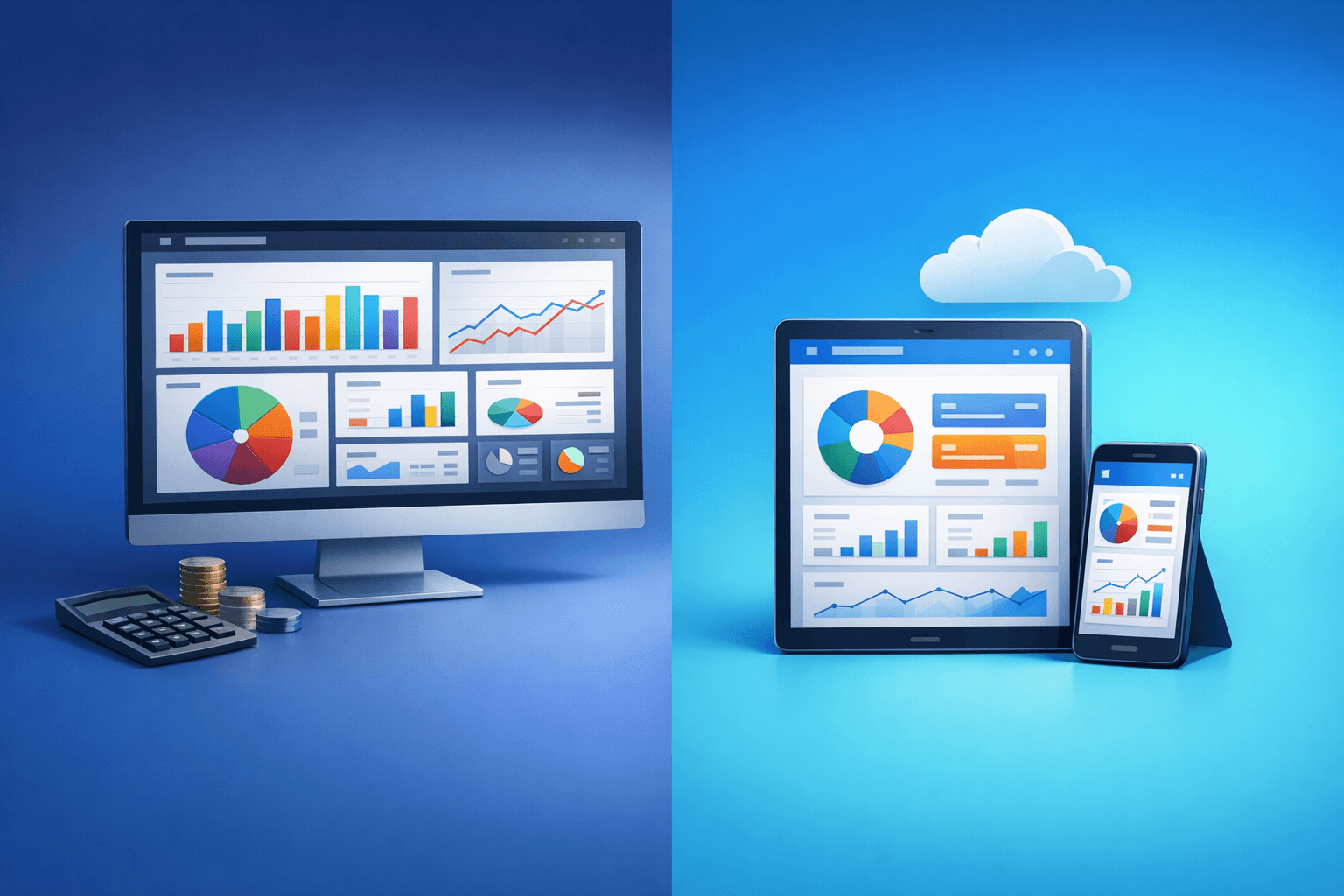
Desktop accounting is installed on a local machine and does not require constant internet access to run. Cloud accounting keeps data on remote servers and requires the internet for full access. And these two approaches allow varying levels of access for teams and managers. Make your choice depending on how and where your staff work.
Data control and security
For many teams, desktop accounting provides direct control over files and local backups. With cloud accounting, a provider takes on the responsibility of updates and remote backups. A security plan, including backups and access rules, is required by both methods. Consider your data risk appetite before selecting an approach.
Costs and financial impact
There are obvious differences between the two approaches in both up-front and ongoing costs. Desktop accounting may require a sizable up-front investment and periodic updates. Cloud accounting has a subscription model — they charge for the month which includes updates and hosting. Compare options by examining cash flow, tax treatment and predictable monthly costs.
Cost comparison list
- One-time upfront license or purchase fee
- You have to pay monthly subscription and hosting fees
- Cost of periodic upgrades and support
- Costs related to backup and disaster recovery
Features and performance
While feature sets are similar, what gets delivered in each deployment depends on the decisions made by the provider. For large set of data files Desktop accountings also may run faster on a dedicated local machine. Cloud accounting provides more frequent features updates and better multiuser access. Only go by what are the exact features you need.
Common feature checklist
- Multiuser access and role permissions
- Automation of bank reconciliation and reporting
- Inventory + payroll support as needed
Implementation and change management
For any SME, switching over will require involving planning and training as well as possibly migrating data. Installation of the workstation can take longer for desktop setups. Cloud configurations require proper user onboarding and internet connectivity confirmations. A gradual deployment and staff training mitigate disruption and risk around the transition.
Support and training considerations
Local IT teams usually solve desktop accounting fixes, then come on site. Unlike in the traditional accounting practice, cloud-based support teams are commonly located remotely and available through online documentation. Your accounting processes are inherently complex, so your training needs will vary based on both the skill of staff and the sources they work with. Prioritize training time and sample workflows to use with full adoption.
Operational scenarios and fit for purpose
Different business models prioritize based on scale and approaches that differ. Desktop accounting may appeal to a stable location and limited internet business for offline reliability. Cloud accounting can be a huge benefit for collaboration in a company with remote staff and frequent updates. Circumvent trends and go directly to what matches your operational realities.
Decision checklist for 2025
- Do you need remote access, multiuser collaboration?
- Do we want the predictable month to month cost or a big front loaded cost?
- Is there a strong local IT support, or managed services?
- What is the necessary data control and compliance you need?
Making the final choice
Begin with a wholesale list of accounting operations and access needs specific to your firm. Rate how well each approach fills those needs, and add shoring scores for costs and risk. If practical, do a short pilot/programming of the highest scoring option. The answer you choose will mirror your cash flow, employees’ habits and your growth plans.
Conclusion
In 2025 however, both their strengths remain clear for SMEs. What is best for your organization will depend on access needs, cost structure and internal IT capacity. Utilize the decision checklist & pilot testing to mitigate uncertainty. Choose one that aligns with your real-world requirements and enables positive scaling.