
Key takeaways
What this article covers, in order:
- Use QR Code Billing At Retail |An Implementation Guide
- Introduction to QR code billing
- Benefits for retailers and customers
- Implementation steps for stores
- Security, compliance, and customer trust
- Customer experience and adoption
Use QR Code Billing At Retail |An Implementation Guide
Introduction to QR code billing
What is QR code billing?
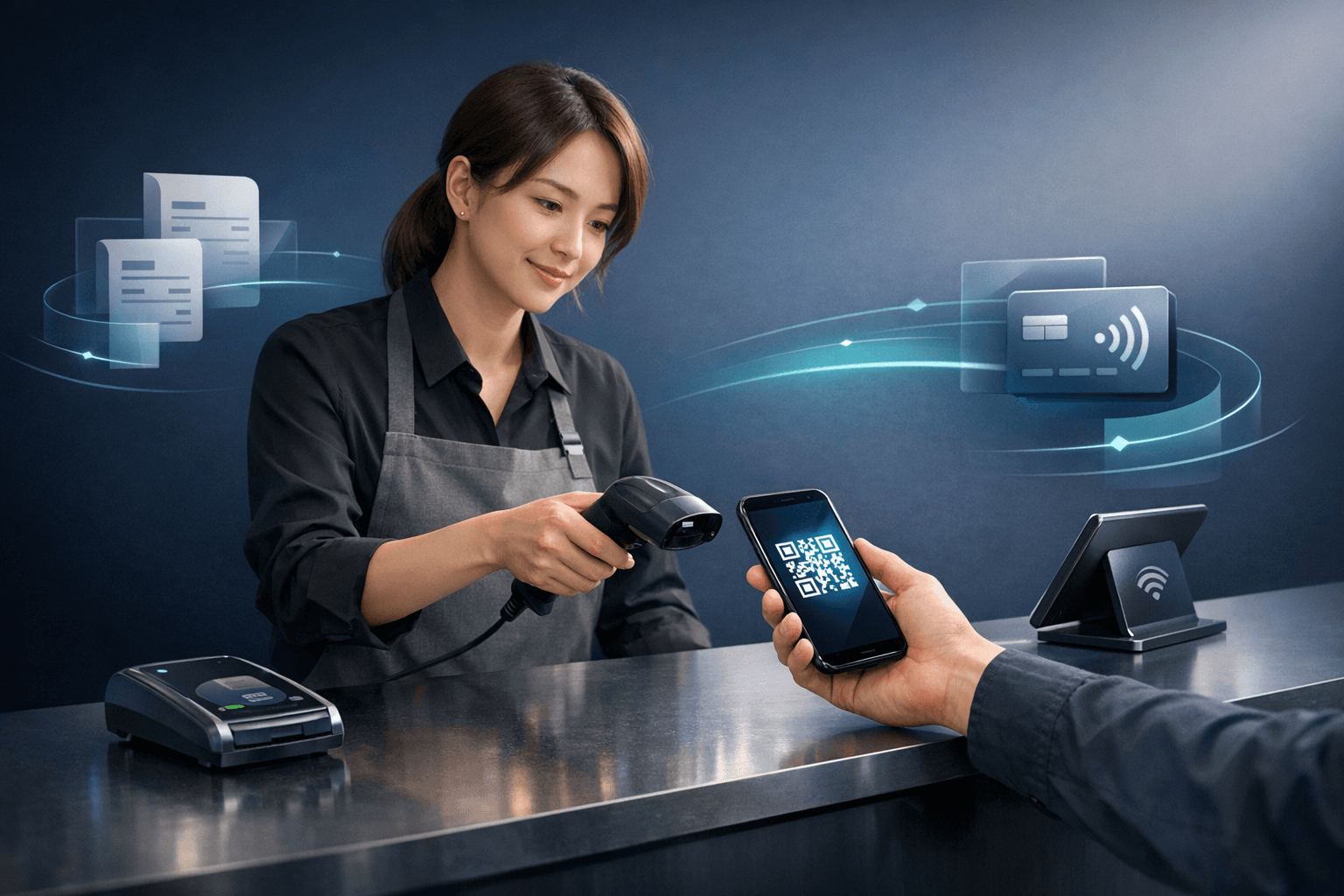
QR code billing is to send a bill or invoice that can be scanned by a customer for payment. The code connects to an electronic invoice or payment page and displays the amount. The customers will open a camera or wallet app, and scan to authorize that payment. A payment confirmation is sent to the retailer who completes a reconciliation in their system.
Why this matters now
Merchants increase demand towards quick and secure check out methods with lesser transaction inconvenience. That need for contactless payments and less time at the register is fulfilled by QR code billing. Further interlinks with digital invoicing and improved record keeping for both buyers and sellers. This method over time can yield better customer experience as well as internal efficiencies.
Benefits for retailers and customers
Faster checkouts
The QR code bill facilitates payment by enabling the user to pay without the need for manual entry, or handling of cards on either end. In a matter of seconds via both their phones and store screens, customers scan and confirm payment. Boost Customer Service: Employees spend less time processing transactions and more time helping your customers. If that happens, faster checkouts can increase throughput and cut queues during peak hours.
Customer convenience and choice
This billing approach allows different payment methods and payment flows without any additional hardware. It allows customers to pay later or save invoices for review before payment confirmation. The method can be scaled into in-store and curbside shopping situations. And it touches shoppers who want a contactless, minimal-contact type of payment.
List of customer-facing benefits
- Rapid payments and reduced queues
- Less physical contact on checkout
- Accessibility of receipts and invoices much easier later down the line
Implementation steps for stores
Technical setup
Begin simple and use a QR code generator to create QR codes linking to invoices or payment pages. Connect the code generator to your pos, where each transaction receives a unique code. Have the payment confirmation itself signal back to your sales system in real time (not hours later). Pre deployment testing eliminates the possibility of frequent errors and saves customers trouble.
Staff training and workflows
Staff should be trained to talk employees through the presentation of QR code billing and receive the most frequently asked questions. Prepare a basic script for staff to help customers with scanning and confirmation. Integrate QR-based receipts and invoices into your returns and refund processes. When the first contacts are guided through smooth staff routines, this generates customer trust.
Quick checklist for launch
- Regularly test QR codes with popular devices
- Provide staff training on customer guidance scripts
- Update receipts for scan instructions
Security, compliance, and customer trust
Protecting payment data
They treat QR code like any of payment channel encryption, to which potential can apply as appropriate. Instead of hardcoded sensitive data directly within codes make use of secure links that expire after one time usage. Provide legible receipts and confirmation messages that consumers may maintain for their records. Frequent audits of the system to identify any attempts at tampering or misuse.
Privacy and legal considerations
In simple English, tell customers what data you collect and how you store it! Keep invoices that you have to comply in your locality and be able to retrieve them for your tax or warranty requirements. Do not ask for more personal data than needed in the billing flow. Transparent practices foster loyalty and lower the risk of complaints.
Security best practices list
- Generate expiring links for each QR code
- Never embed raw payment data in your codes
- Logging approvals and reconciling daily
Customer experience and adoption
Designing clear prompts
Organize the signage and on-screen instructions to indicate simple steps, expected time pay. Say a lot, use clear readable codes and labels with the transaction amount in it. Provide an option for customers who are not confident with self-service but wish to seek help for a staff-assisted visit. With clear prompts, there can be minimal confusion and faster adoption across age groups.
Handling failed scans and fallbacks
When scanning fails, have a backup option such as entering via manual payment link or staff-assisted entry. Train your staff on how to quickly swap to fallback, and how to assuage customer fears Logging failures to identify problems that occur on several devices, and fix them in updates. Strong fallbacks save lost sales and build trust.
Best practices list
- Generate and place codes at heights where scanning is easy
- Provide clear fallback payment methods
- Surveying after a specific testing period
Measuring success and future trends
Tracking key metrics
Conversion rate of presented QR code to paid or collected, and speed average at checkout time. Have quick services measures or follow-up messages to check customer happiness. Daily payment reconciliation is crucial for accurate accounting and early identification of disputations. Employ these metrics to improve the process and eliminate pain points.
Preparing for future payment flows
QR code billing is well-positioned in alignment with upcoming contactless payments and changes to the digital invoicing landscape. This can be extended by retailers for subscriptions, layaway plans or instant refunds. Later updates may include more informative invoice data, loyalty points, or automatic warranty registrations. It is easier and cheaper to update systems if they are built flexible from now on.
Last-minute suggestions for a successful rollout
- Do a pilot on one location
- Gather staff and customer feedback early on
- Iterate on messaging and technical setup
Conclusion
QR code billing is a robust way to streamline checkout and promote contactless payments in retail. This is linked directly to digital invoicing as well as more transparent record keeping for customers and retailers. If stores are properly set up, staffs are trained and security practices followed, friction can be minimized and sales flow enhanced. Begin small, track performance and scale the program with the data you generate.


