
Key takeaways
What this article covers, in order:
- A Practical Guide: From Payroll Tool to Workforce Platform
- Why this shift matters
- Understanding the core differences
- Consisted of in a workforce platform
- Benefits to the organization
- Designing the rebrand and experience
A Practical Guide: From Payroll Tool to Workforce Platform
Why this shift matters
Today, a more sophisticated business needs tools that offer features beyond the bare minimum of paying people. Calculating wages is insufficient — without robust scheduling, hiring, and compliance support, payroll gaps will exist.
Bridging those gaps comes down to combining pay and people management, which is where payroll-as-a-workforce platform steps in. The organizations leaders have a better visibility of labor cost and employee activity throughout the organization.
Understanding the core differences
Payroll tool is mostly centered on calculation and tax compliance. All-in-one, a workforce platform adds scheduling, time tracking and analytics。 From transactions to workflows that support employees and managers — this shift in focus Integrated data and faster processes enable teams to staff better.
Consisted of in a workforce platform
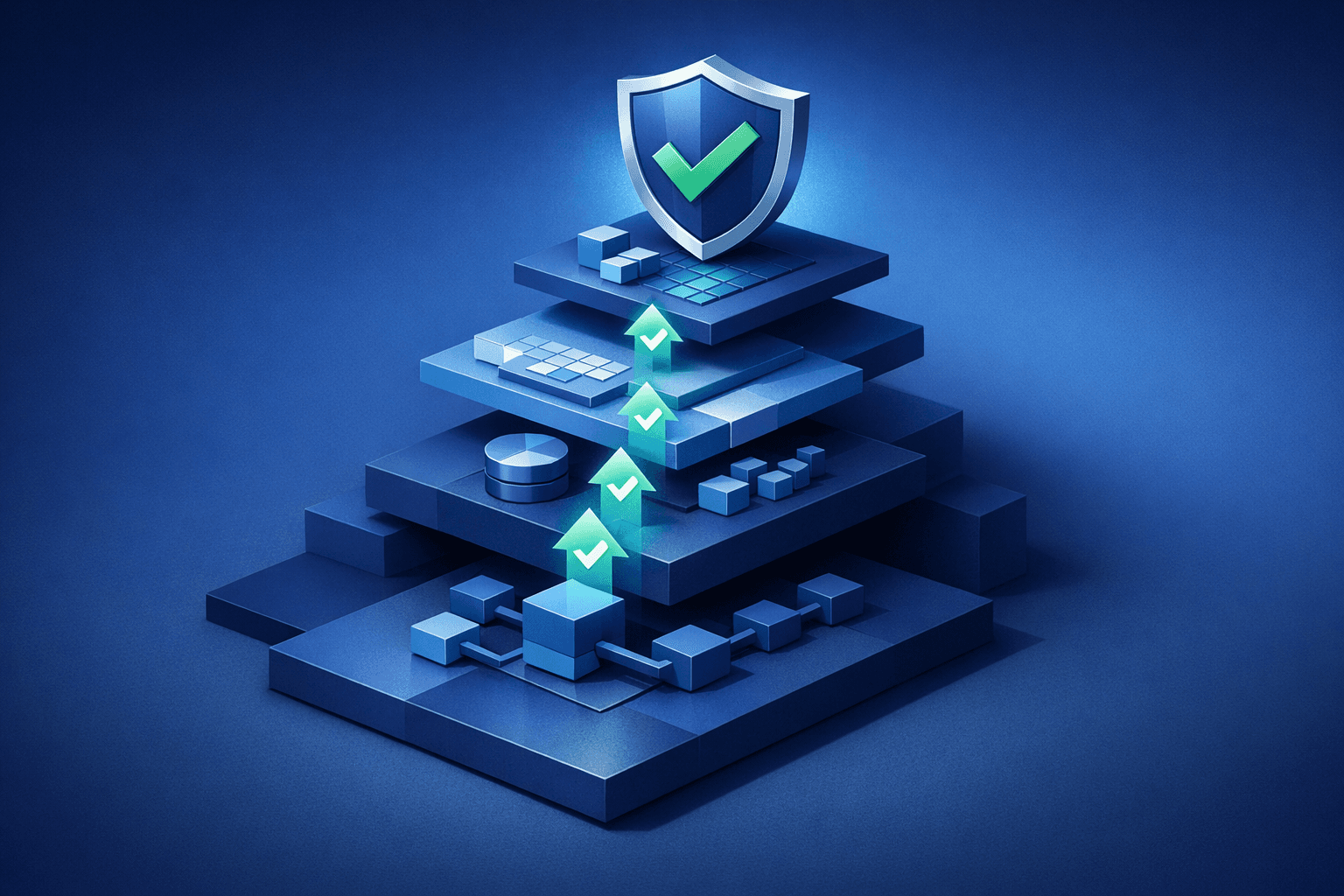
An integrated workforce platform usually connects pay, time, and scheduling in one solution. It also includes reporting that identifies trends in hours, turnover, and cost. Hiring and training tool integration speed up new hire onboarding. Combining them all can minimize manual work and reduce administrative risks.
Benefits to the organization
A payroll tool to a workforce platform brings better planning and control. This means that managers are able to plan shifts and have a clear overview of costs as well as the number of people needed. A shared record with a timestamp allows HR teams to rapidly resolve pay disputes. In general, the company saves overhead and simplifies processes that lead to higher employee satisfaction.
- More expedited payroll reconciliation with less need for manual corrections
- Greater clarity in scheduling and lowered staffing gaps
- Improved reporting for labour expense and compliance
Designing the rebrand and experience
Product rebranding goes beyond just a name or logo change. Users need to know that with the rebrand comes new capabilities and a wider value proposition. Design can be by simplifying tasks that took several systems. Communication needs to explain how features work and the difference in what this tool now does for managers versus employees.
User journey changes
One place for pay stubs, schedules and time off requests for employees Provides tools for managers to approve timesheets and build rosters in the same flow. Payroll specialists can access deeper audit trails for every pay run. Such a unified approach significantly reduces task times and errors rates.
Technical and data considerations
System integrations must be done with a keen awareness of security and data integrity. The data models need to connect payroll inputs with time and scheduling records. Reporting should balance privacy with useful insights that can aid leaders. IT teams need to plan their migrations carefully so as not to disrupt pay runs or lose historical records.
- You will map the data fields in between your legacy payroll and your new workforce records
- Testing migration processes like preservation of historical payroll history
- Role based access implement, audit log strict fill.
First release feature priorities
Focus on exporting features that have the quickest wins and minimizes manual effort during a rebrand. The first is to create workflows that automate specific tasks such as time tracking, scheduling and payroll reconciliation. Include analytics that show hourly costs per shift and overtime trends. Save complex modules after user feedback in later phases.
- Time and attendance with live clocking and approvals
- eLaws for type of cost and conflict analysis
- Payroll reconciliation tools that connect time with pay runs.
The rollout planning and change management
Deployments need to be staged, and there must be clear training up front for a successful launch. Run a limited release of the new platform to a small number of teams. Ask for feedback from managers and employees to improve the workflows. Fast track adoption with quick reference and short training sessions.
Communication checklist
Clearly and frequently communicate the rationale for the name change and the new benefits that come with it. Tutorials on the basics like how to clock-in, check schedules, and review pay Mark support channels to troubleshoot in the first few pay cycles Reassure staff that the focus on payroll core accuracy is utmost!
Measuring success and iterating
Set metrics around your rebrand and platform adoption success. Monitor how accurate payroll is, time taken to complete scheduling tasks, and usage rates for the platform among managers. Use employee satisfaction and pay run error rates to fine tune your setup. Use this data to guide your updates and training on the desired features.
- Payroll accuracy and number of corrections per pay run
- Utilization of Scheduling and Approval Workflows by Managers
- Degree of satisfaction with self-service features by employees
Next Steps and Long term Strategy
Once the initial release is stable, plan integrations that continue to extract value. Connect hiring, learning and performance to assist the complete employee lifecycle. Continue to optimize reporting for leaders in order to make cost and staffing decisions. Continue to prioritize the reduction of manual tasks and enhancing experience for workers
Final thoughts
A guide to evolving a payroll tool into a workforce platform needs to be actionable with specific goals, help you migrate thoughtfully and communicate effectively. Most successful projects marry technical planning with user-centered design and training.
When executed properly, organizations get a single source of truth for pay and workforce decisions. That sort of change saves time, reduces costs and makes the work experience better for everyone.