
Key takeaways
What this article covers, in order:
- hellobooks-which-platform-is-more-automated">QuickBooks vs HelloBooks: Which Platform Is More Automated?
- Introduction
- Understanding automation types
- Data capture and entry
- Automating reconciliation and categorization
- Comparing depth of automation
hellobooks< / a > -which-platform-is-more-automated">QuickBooks vs HelloBooks: Which Platform Is More Automated?
Introduction
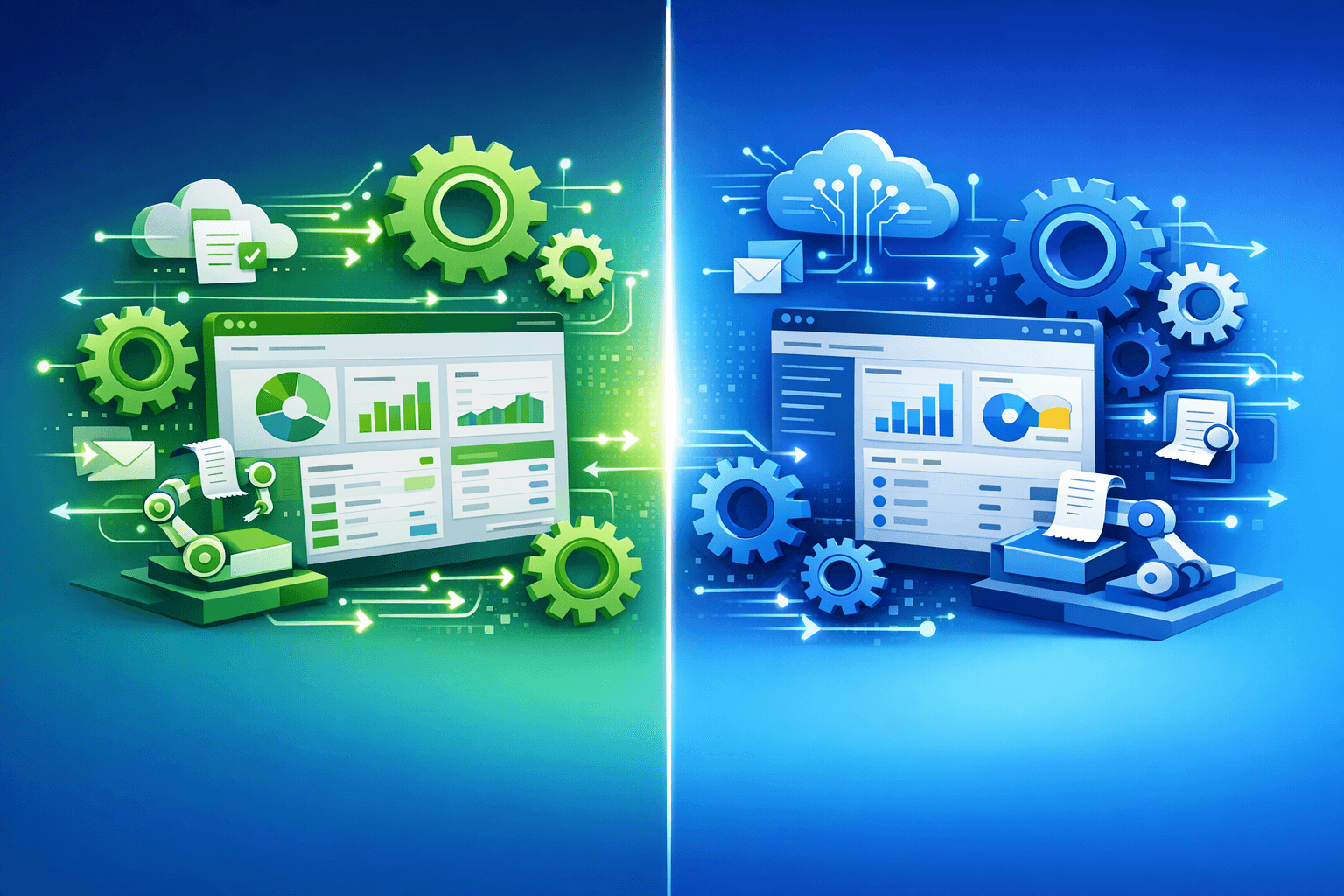
This article compares the real world usage of artificial intelligence for two common accounting platforms. It offers guidance to a smart reader on which level of automation is appropriate for their work. Scoring marketing claims are replaced with a focus on task automation, speed and control. Readers will have pretty good clarity about where automation gives us any kind of leg up and where humans dominate still.
Understanding automation types
Automation can mean some simple rules or, on the other hand, advanced prediction, and this difference matters a lot. The automation can be rule-based, which means it consists of clear rules to follow and works great for stable tasks. Predictive automation is pattern based and can suggest actions without a specific rule for every case. Both kinds can save a lot of work, but they involve different setups and supervision.
Data capture and entry
A key application of AI is reducing manual data entry using intelligent capture and matching. The systems use pattern recognition to read invoices and receipts, then enter data into the ledger. The accuracy of the system improves with each transaction as it learns common entries and supplier names. Human review still matters with unusual items and for final approval of entries.
- Scrutinize receipts and automatically extract key information
- Link bank transactions to invoices with suggested links
- Identify unmatched items for human examination
Automating reconciliation and categorization
By suggesting matches and automating the clearing of simple transactions, reconciliation automation speeds up month-end work. Category recommendations are a function of previous behavior and business rules paired with AI signals. Known recurring things can be auto-categorized with high accuracy for everyday items. A trained human will still need to categorize better complex or rare transactions.
- Automatically match the recurring payments with invoices
- Auto-suggest expense categories per their history and rules
- Set up guidelines for similar transactions in the future
Comparing depth of automation
Different systems provide different levels of automation, and control and trust are affected by depth. One system might be made for automating lots of smaller steps with less human input and another for fewer automated steps and more control. More automation means less time is needed but stronger review processes might be warranted. Finding that balance between depth and oversight is different for every business based on the size of their company and risk tolerance.
Speed versus oversight
The faster we automate, the less time we spend on mundane tasks, and speed allows small teams to scale. Oversight prevents mistakes from becoming expensive, and review stages reduce risk exposure. Whether to automate faster or safer depends on the level of risk the team can stomach. Most users call for step wise automation to be driven by human checkpoints on major jobs.
Workflow impact in practice
Automation reshapes daily life and moves work from production to review and analysis. Less time spent on copying numbers & more on comprehending cash flow and exceptions. It requires new training and policies, including who approves what and when. Those organizations that do the work upfront have smoother adoption and better outcomes.
Staff roles after automation
Automation typically shifts staff to exception handling and analysis, not entry and posting. Third, staff must have the skills to exercise oversight and judgment by using AI suggestions most effectively. As managers be enablers in creating clear paths of escalation from automated matches that have remained unresolved. This transition typically adds value to jobs and lessens redundancy.
The limits and risks of AI automation
AI assists here but does not replace all human work, especially where judgment calls and edge cases are concerned. Systems can misinterpret documents or recommend incorrect categories when the data is messy or nonstandard. Dependence without deterrents can allow blunders to endure and develop over the ages. Long term accuracy is improved with regular audits, spot checks and feedback loops from users.
- Conduct regular audits on automated entries
- Train systems with corrected examples often
- Maintain human approval on high risk transactions
Choosing the right automation level
Choose automation carefully — map day-to-day tasks for risk profiles before turning on features. Begin with risk-free, high-return automations such as the capture of receipts and standing payments. With time, add predictive or fully automated steps as the team comes to trust the system. Write out approval paths and document error handling to ensure tight controls.
Practical tips for implementation
Implement a pilot on a limited number of accounts or transaction types to track results. Getting the people that do the work involved in set up and testing to help with adoption. Specific training and simple guidebooks both limit errors and accelerate adoption.
- Begin with small pilot automations for a single workflow
- Regularly measure how much time has been saved and the different rates of error
- Roll out user training and feedback
Conclusion
AI's automation provides savings in real-time and allows people more time for higher-value work. The best option for you ultimately depends on the tasks that you want to automate and how much control you need over your business. Get the most from automation by using phased rollouts, audits and staff training. A clear plan will ensure any firm optimizes efficiency with financial oversight retained.
Keywords in context
This comparison of AI accounting software USA data was based on its practical platform selection. A meticulous platform AI accounting comparison reduces risk in feature selection. Buyers demand the best AI accounting capabilities that also address their workflow requirements.