
Key takeaways
What this article covers, in order:
- e-invoice-works-applicability-generation-process-and-irn">How E-Invoice Works: Applicability, Generation Process and IRN
- Overview
- Applicability and Thresholds
- Process Overview for E-Invoice Generation
- IRN Generation Explained
- Practical Compliance Tips
e-invoice< / a > -works-applicability-generation-process-and-irn">How E-Invoice Works: Applicability, Generation Process and IRN
Overview
What Is e-Invoice Mandate
E-invoice mandate means all businesses with a turnover above the prescribed limit ( ₹ 100 Crores) need to issue electronically structured invoices for covered transactions. The goal is to enhance the accuracy of tax data, minimize errors and ensure invoices can be reported in a verifiable manner.
Applicability and Thresholds
Who must comply
If the total aggregate annual turnover of these businesses from all their registrations exceeds the specified threshold, then they are subject to compliance. If the threshold is crossed, certain specified transactions need e-invoicing.
Which transactions are covered
The mandate is limited to business-to-business supplies that are subject to a tax invoice. Some transactions and exemptions are not covered. Businesses have to map transaction type to applicability.
Process Overview for E-Invoice Generation
Step-by-step process
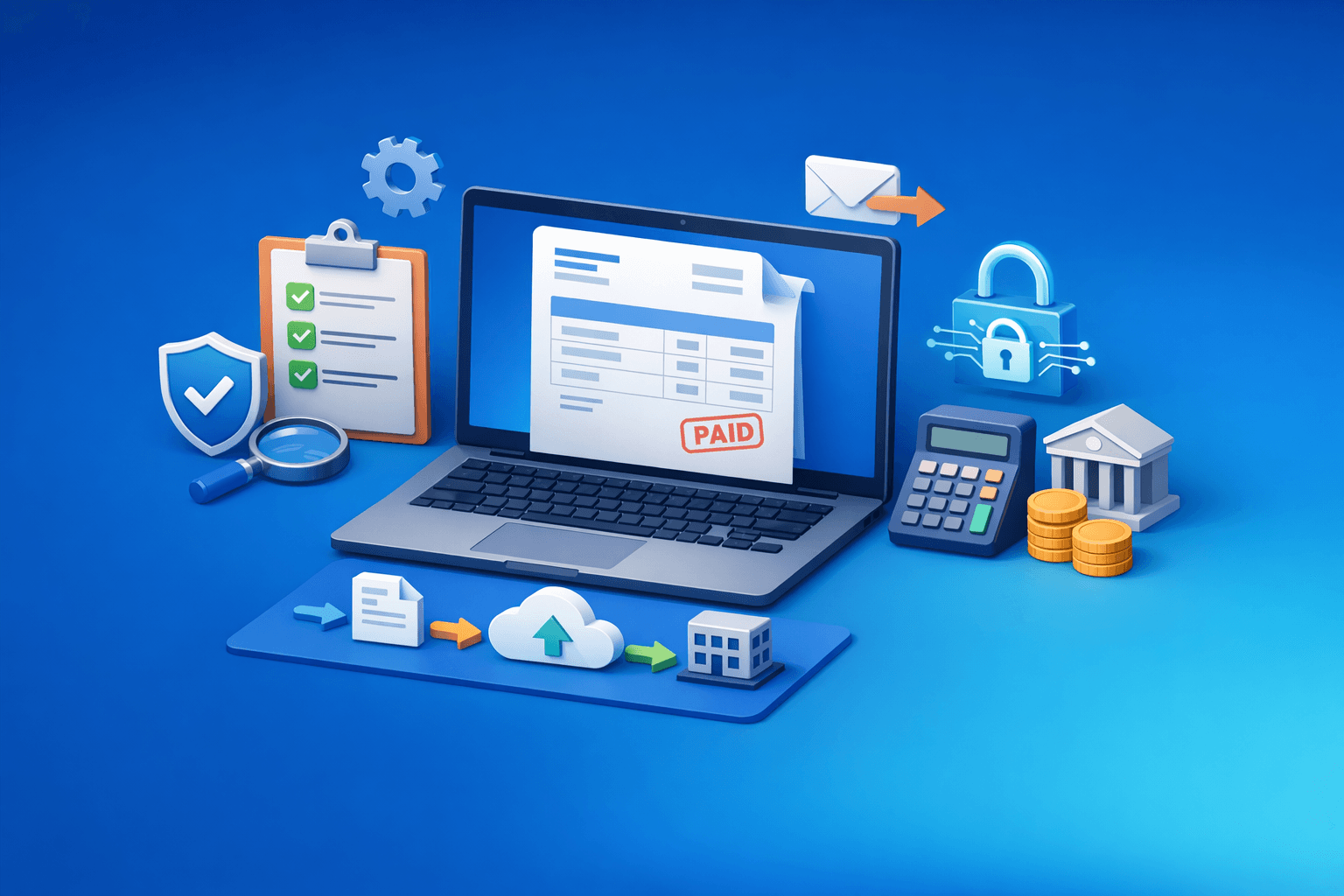
- Generate an invoice in the accounting or ERP system with the appropriate data schema.
- Validate mandatory fields (GSTINs, invoice value, tax details, line items).
- Create invoice data for central validation.
- Obtain an IRN (Invoice Reference Number) with the signed acknowledgement.
- Keep the acknowledgement and share the same invoice to buyer with IRN.
IRN Generation Explained
What is IRN
IRN is a unique number assigned to every validated e-invoice, helping avoid duplicate invoices and allowing reconciliation.
How IRN is created and used
Once it is submitted, the central system verifies the invoice payload. On successful validation, it generates the IRN and responds with a signed acknowledgement. The seller needs to archive the acknowledgement along with the invoice record.
Practical Compliance Tips
- Provide systems for pre-submission validation checks.
- Regularly test that sample invoices are mapped correctly to the schema.
- Train staff on new invoice fields and submission timelines.
- Keep an index of invoices, IRNs, and relevant shipping and payment documents.
These mistakes usually involve incomplete or incorrect data, improper tax rates and late submissions. These errors can be reduced with automation and regular testing.