Australian GST — basics, thresholds and HelloBooks coverage
Goods and Services Tax (GST) is Australia’s 10% value-added tax on most goods and services. You must register for GST when your GST turnover reaches $75,000 ($150,000 for not-for-profits), and immediately if you provide ride-sourcing or taxi travel services. HelloBooks classifies every transaction with the right Simpler BAS GST code, tracks the threshold so you know when to register, and rolls totals into a BAS that reconciles back to your ledger.
GST rate
10%
Applied to taxable sales of most goods and services in Australia. Unchanged since 1 July 2000.
Registration threshold
$75,000
GST turnover for businesses ($150,000 for not-for-profits). Ride-sourcing must register at any turnover.
Tax invoice required at
$82.50
Inclusive of GST. Customers can request a tax invoice for purchases above this; you must issue within 28 days.
Source: ATO — Registering for GST · ATO — Tax invoices
GST tax codes HelloBooks uses
Each transaction line in HelloBooks carries a single Simpler BAS GST code. The code drives the BAS label the value flows into, so the GST report and the BAS draft always reconcile to the ledger.
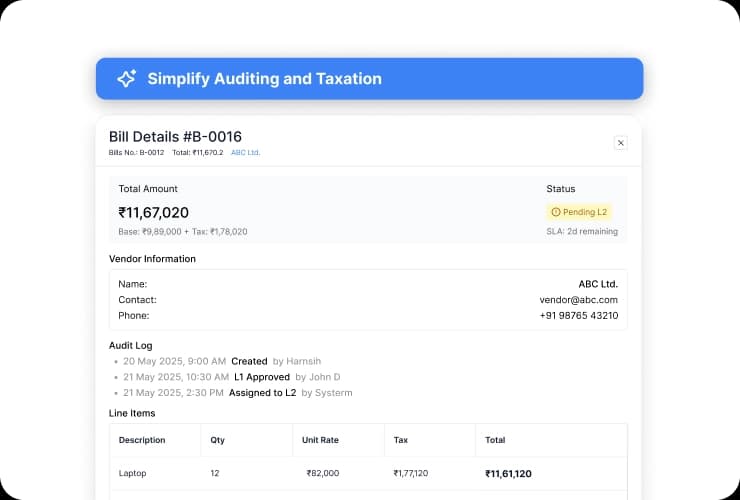
Invoice with GST applied per line (illustrative; AU-specific capture pending).
Standard 10% taxable sales and purchases (GST flows to 1A on sales, 1B on purchases).
Sales of GST-free goods/services such as basic food, certain health, education, child care; reported in G3.
Sales that do not attract GST and where input tax credits are not claimable (e.g. residential rent, financial supplies); reported in G4.
Transactions outside the GST system (e.g. wages, dividends, internal transfers); excluded from G1 entirely.
Capital purchases reported in G10 with GST in 1B.
GST-free export sales reported in G2.
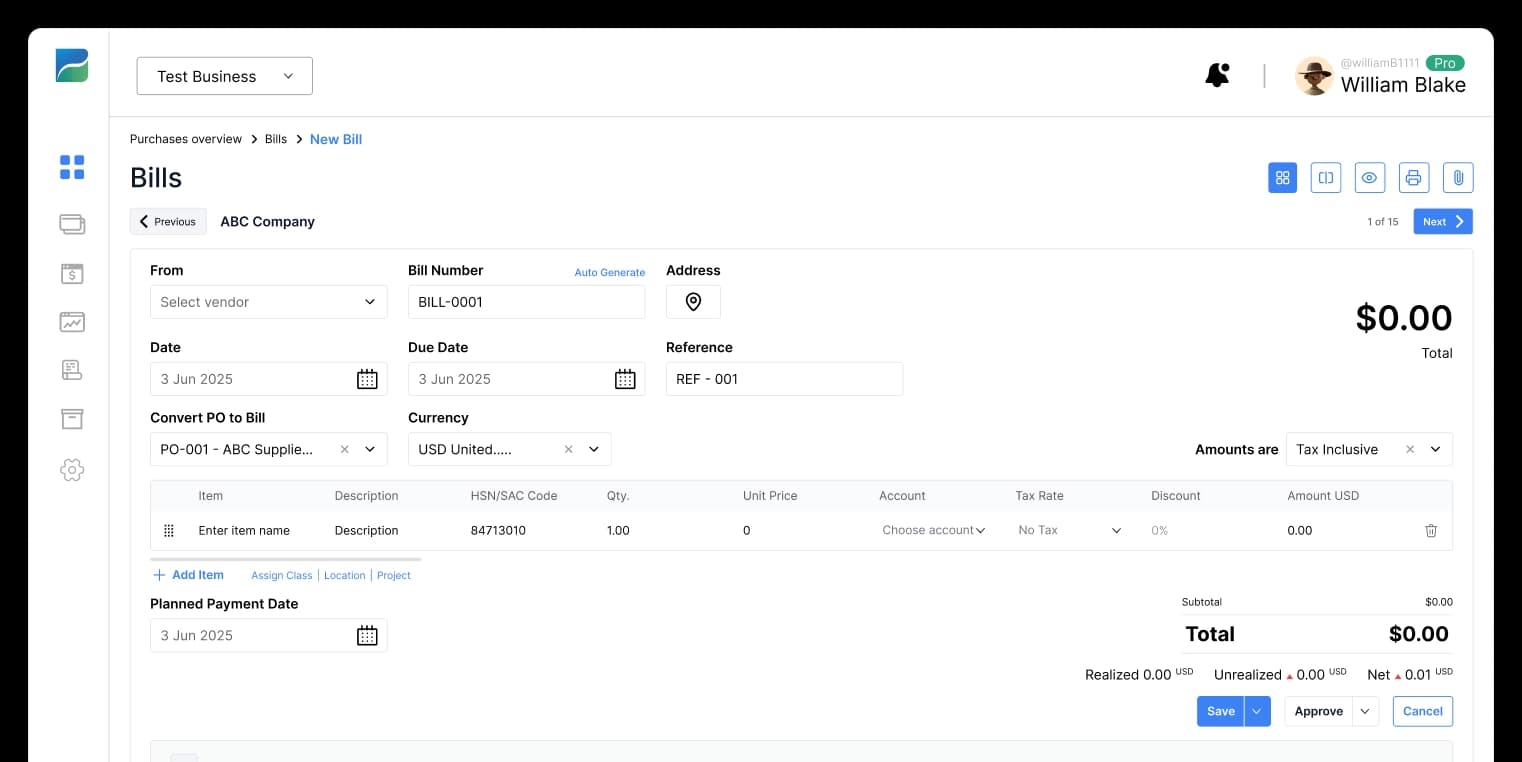
GST detail report grouped by tax code (illustrative; AU-specific capture pending).
From transaction to BAS-ready GST totals
- 1
Set the entity GST registration
Mark your business as GST-registered, choose Simpler BAS or full BAS reporting, and set your reporting cycle (monthly, quarterly or annual). HelloBooks uses these settings to drive tax-code defaults and BAS labels.
- 2
Pick the right tax code on every transaction
Each invoice line, bill line, expense and journal carries a Simpler BAS GST tax code. HelloBooks defaults the code from the contact, item or chart-of-accounts mapping, and you override per line where needed.
- 3
Watch the live GST report
The GST detail report shows every transaction grouped by tax code with running totals for G1, G2, G3, G4, G10, G11, 1A and 1B. You drill from any total back to the source transaction.
- 4
Move straight to the BAS
When the period closes, the BAS draft pulls these totals straight in. Adjustments (e.g. correcting a tax code on a prior invoice) flow through automatically with a clear audit trail.
- Defaults per customer, supplier, item and account so the right code is applied automatically.
- Multi-currency aware — GST always recorded in AUD using the FX rate on the supply date.
- Audit-ready: drill from any BAS label down to the source invoice, bill or journal.
Related HelloBooks AU guides
ATO source documents
GST questions answered
Working with an accountant on HelloBooks
Free, vetted directory of independent firms. Every partnership tier is earned, never paid for — we verify credentials against the official registry before any profile goes live.
Ready to automate your books?
Let AI handle the bookkeeping and reclaim hours every month. Get started free — no credit card required.