Single Touch Payroll (STP) Phase 2
Single Touch Payroll Phase 2 is the ATO’s mandatory real-time payroll reporting standard. Every pay event you run sends the ATO disaggregated payroll data per employee — ordinary gross, overtime, paid leave, itemised allowances, bonuses, lump sums, salary sacrifice and back payments — together with PAYG withholding and super liability. STP Phase 2 has been mandatory for all Australian employers since 1 January 2022. HelloBooks reports STP Phase 2 directly from the pay run, no separate payroll system required.
STP Phase 2 disaggregated gross
The defining change in Phase 2 is that gross is no longer reported as a single number. The ATO requires gross broken into specific categories so it can apply the right rules for tax, super, child support and Services Australia income testing without re-asking the employer.
Gross (ordinary salary and wages)
Reported separately from overtime, bonuses, allowances etc.
Overtime
Including overtime allowances treated as overtime under the Fair Work instrument.
Paid leave
With type code: cash-out of leave, paid parental leave, ancillary leave, other paid leave.
Allowances
Itemised by category — car, transport, laundry, meals, travel, qualification, task, tools, other.
Bonuses and commissions
Reported as a separate category, not folded into gross.
Directors fees
Reported as a separate category for relevant officeholders.
Lump sum payments
Lump sum A, B, D, E and W with the appropriate type code per ATO rules.
Salary sacrifice
Type O (other) and Type S (salary sacrifice to super) reported separately under Phase 2.
Back payments
Reported with the financial year(s) the payment relates to.
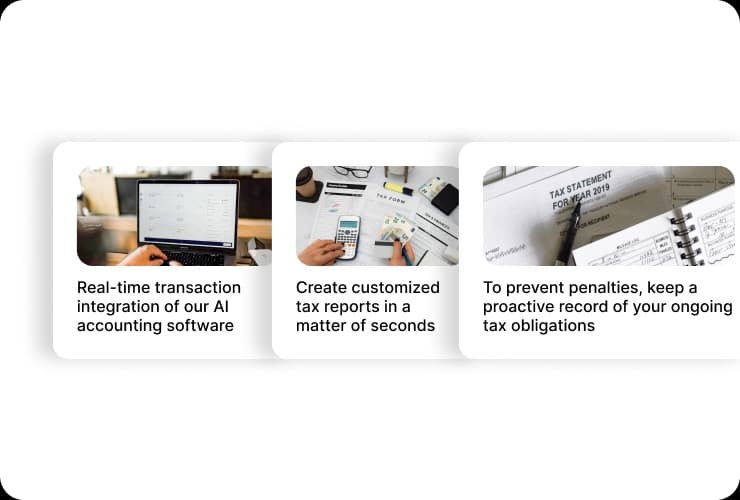
STP Phase 2 employee fields in HelloBooks (illustrative; AU-specific capture pending).
Employee fields HelloBooks captures
- Income type (salary and wages, closely held payee, working holiday maker, foreign employment, etc.)
- Country code (for foreign employment and working holiday maker income types)
- Tax File Number (TFN) declaration data — sent through STP rather than as a separate paper form
- Tax treatment code that captures TFN declaration, tax-free threshold, HELP/STSL, Medicare exemption and tax offset claims
- Employment basis (full-time, part-time, casual, labour hire, voluntary agreement, death beneficiary, non-employee)
- Cessation type (e.g. voluntary cessation, redundancy, ill health) reported when an employee leaves
Pay run → STP submission → Year-end finalise
- 1
Set up the employee with Phase 2 fields
Each employee record in HelloBooks captures income type, country code, employment basis and tax treatment code at onboarding. The TFN declaration is collected through the same form so a separate paper TFN declaration is no longer required.
- 2
Run the pay event
When you run a pay run, HelloBooks calculates each disaggregated gross category — ordinary, overtime, leave, allowances by type, bonuses, directors fees, lump sums, salary sacrifice — and the corresponding PAYG withholding for the period.
- 3
Build an STP Phase 2 pay event
On finalising the pay run, HelloBooks builds an STP Phase 2 pay event with year-to-date gross-by-category, PAYG withholding, super liability and BMS identifier, validated and ready to lodge. Direct lodgement to the ATO is on our roadmap - today you lodge the prepared event through your registered agent or the ATO portal.
- 4
Finalise at year-end
At year-end you finalise STP for each employee directly in HelloBooks — no separate payment summaries, no PAYG payment summary annual report. Employees see their income statement in myGov as soon as you finalise.
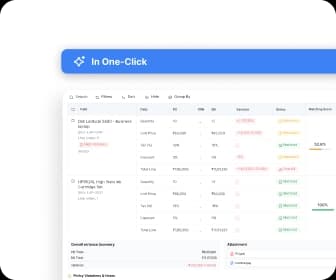
Pay run with STP submission status (illustrative; AU-specific capture pending).
Related HelloBooks AU guides
STP Phase 2 questions answered
Working with an accountant on HelloBooks
Free, vetted directory of independent firms. Every partnership tier is earned, never paid for — we verify credentials against the official registry before any profile goes live.
Ready to automate your books?
Let AI handle the bookkeeping and reclaim hours every month. Get started free — no credit card required.