Australian payroll, end to end
HelloBooks runs Australian payroll from timesheet to STP submission to net-wage payment in one ledger. Fair Work modern awards drive pay-item rates, PAYG withholding uses ATO tax tables, leave balances accrue under the National Employment Standards, terminations and ETPs are classified for both the ATO and the BAS, STP Phase 2 lodges on each pay event, and Super Guarantee accrues at 12% of OTE for a SuperStream-compliant contribution batch. Timesheets sync from HelloTime (TimeX) or you enter hours directly.
What AU payroll covers in HelloBooks
Each capability ties to an ATO or Fair Work obligation. Here is the surface area we cover today.
Awards & EBA interpretation
Pay items are tagged with award classification, ordinary hours and OTE flags. Penalties, overtime multipliers and allowances are applied per the relevant Fair Work modern award or enterprise agreement.
Leave balances & accruals
Annual leave, personal/carer's leave, long service leave and parental leave accrue per the National Employment Standards. Leave-loading and cash-out of leave are handled with the right STP Phase 2 leave-type code.
PAYG withholding
Tax tables (NAT 1004, NAT 3539 and the variants for HELP/STSL, working holiday makers, foreign residents) apply automatically based on the employee's tax treatment code; PAYG withholding flows to W2 on the BAS.
Terminations and ETPs
Termination workflow handles unused leave on termination, lump sum A/B/D/E classifications and Employment Termination Payments (ETPs) with the correct Phase 2 type and tax treatment.
TimeX / HelloTime sync
Timesheets, rostering and attendance flow from HelloTime (TimeX) into HelloBooks pay runs. Approved hours become pay-item lines without re-keying, with award interpretation already applied.
STP Phase 2 + SuperStream
Every pay run lodges an STP Phase 2 submission to the ATO and accrues Super Guarantee at 12% of OTE for the SuperStream contribution batch. PAYG withholding closes against the BAS.
Pay run drawing approved timesheets from HelloTime (illustrative; AU-specific capture pending).
Timesheets sync from HelloTime to HelloBooks
HelloTime (TimeX) handles rostering, attendance and award interpretation. Approved timesheets become pay-item lines on the next HelloBooks pay run with no re-keying. Penalty rates, overtime and allowances are already applied so the pay run starts from a clean award-correct number.
- One identity across HelloBooks and HelloTime.
- Approved timesheets only — manager-approved hours flow through.
- Audit trail back to the timesheet entry from any pay-run line.
Setup → Pay run → STP → Net pay & super
- 1
Set up the entity and employees
Configure the AU entity (ABN, withholder branch, default super fund, BAS reporting cycle) and onboard each employee with income type, tax treatment code, employment basis, super fund (with stapled-fund check) and award classification.
- 2
Capture hours from HelloTime or enter directly
Approved timesheets sync from HelloTime, or you enter hours directly per pay item. Awards interpretation, allowances and overtime multipliers are applied as the timesheet is loaded into the pay run.
- 3
Run the pay event
HelloBooks calculates gross by Phase 2 category, PAYG withholding using the right tax table, leave accruals and Super Guarantee on OTE. The salary journal posts to the GL automatically.
- 4
Lodge STP, pay net wages and remit super
On finalisation HelloBooks submits the STP Phase 2 pay event to the ATO, generates the bank file for net wages, and rolls the SG accrual into the next SuperStream contribution batch.
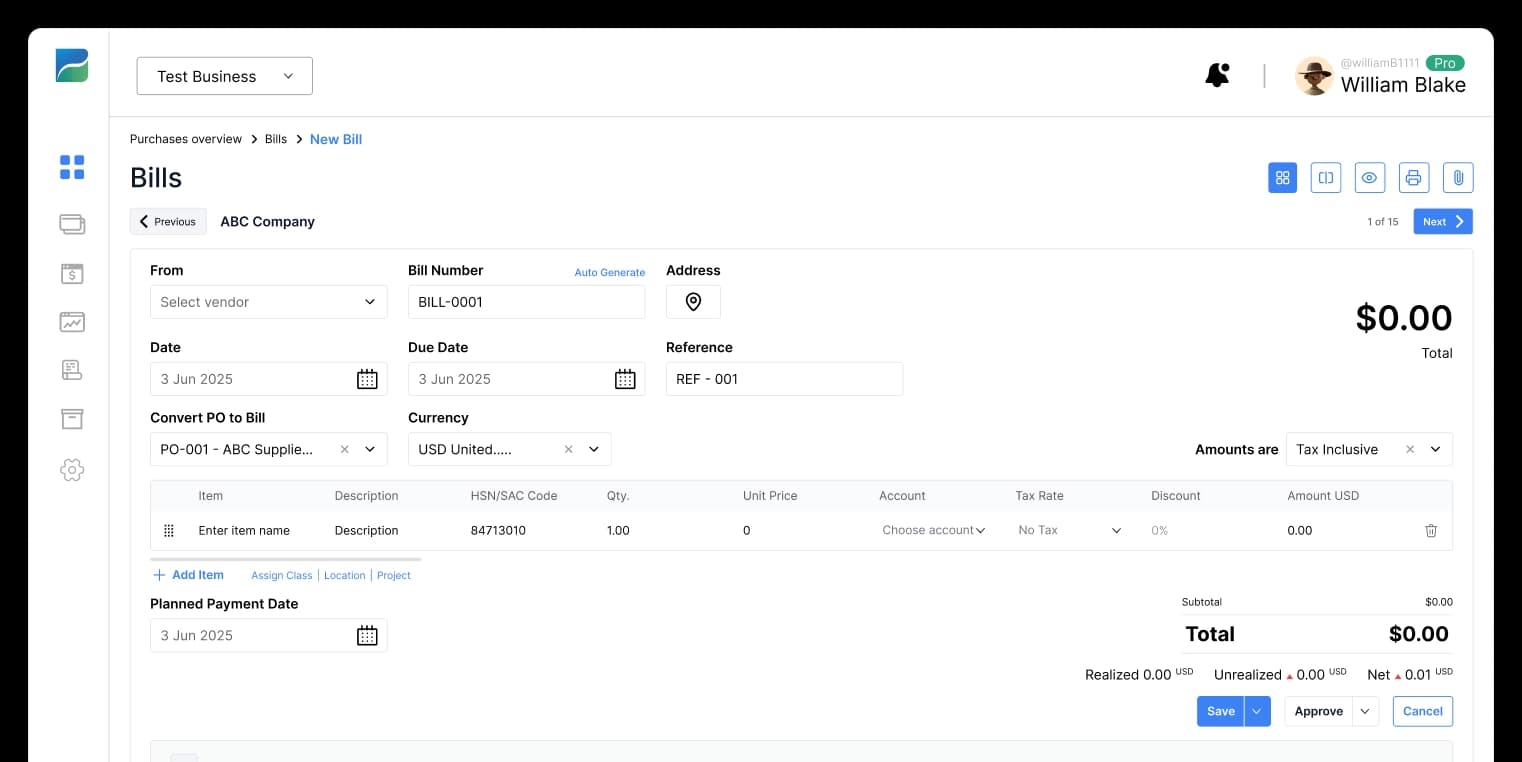
Pay run summary with STP lodgement status (illustrative; AU-specific capture pending).
Related HelloBooks AU guides
AU payroll questions answered
Working with an accountant on HelloBooks
Free, vetted directory of independent firms. Every partnership tier is earned, never paid for — we verify credentials against the official registry before any profile goes live.
Ready to automate your books?
Let AI handle the bookkeeping and reclaim hours every month. Get started free — no credit card required.