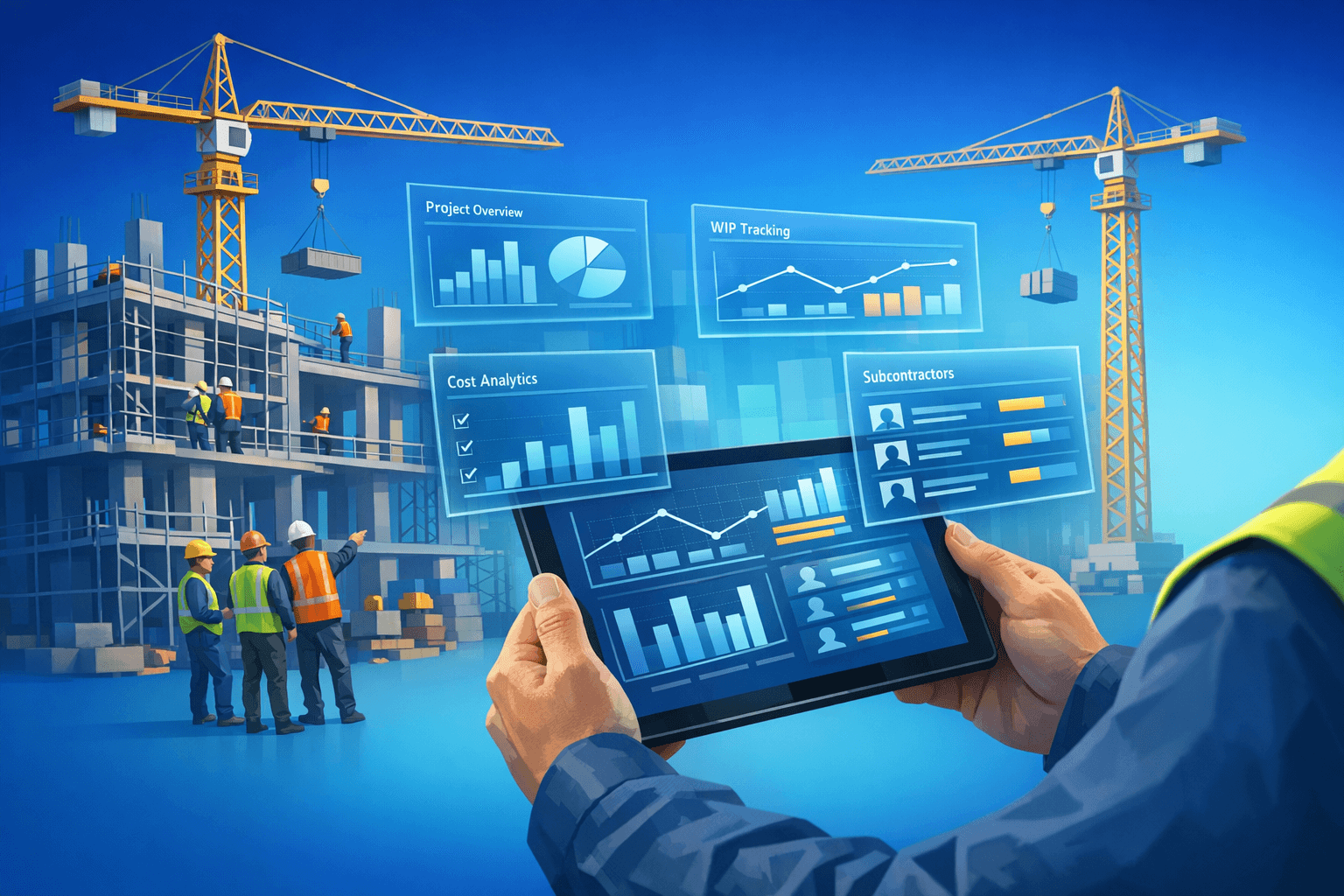

Key takeaways
What this article covers, in order:
- Construction-Focused Enterprise Accounting Update
- Enterprise accounting update — Construction-focused
- What Construction Accounting Requires in Specialized Enterprise-level Capabilities
- Core capabilities to prioritize
- Operational controls and auditability
Construction-Focused Enterprise Accounting Update
Enterprise accounting update — Construction-focused
Construction puts heavy demands on enterprise accounting tools. Standard GL bookkeeping isn't enough.
Project structures get complex. Cost types pile up. Progress billing, milestone billing, and retention add layers most general tools can't handle.
This update walks through what construction-focused accounting really needs. It covers the must-have features, real implementation steps, and the controls that protect margins, cash, and forecasts.
What Construction Accounting Requires in Specialized Enterprise-level Capabilities
A construction project is a complex financial machine.
It pulls together labor, materials, equipment, subcontractor work, change orders, and staged revenue. All of it often spans multiple legal entities and tax zones.
Without proper project accounting features, finance teams can't answer the basic questions:
- Which contracts are profitable?
- Where is WIP today?
- How does each contract type behave?
- Are commitments tracking against budget?
Strong enterprise tools tie project data, time and cost capture, and billing into one system. The numbers stop lying about where projects really stand.
Core capabilities to prioritize
1) Accounting capabilities features for projects and contractors
Solid project accounting is the foundation of accurate job costing.
Look for the basics first:
- Cost tracking by cost code, phase, and activity.
- Committed cost capture from POs and subcontracts.
- Direct labor tied to tasks through timesheets.
- Equipment usage logged to projects.
Add the contractor-specific features that matter:
- Change order management.
- Retention tracking.
- Progress billing.
- Support for unit-price, cost-plus, and lump-sum contracts.
When these tie cleanly into the GL, finance can produce real job profitability reports — and watch margin move as projects unfold.
2) Controls around WIP and revenue recognition
WIP accounting drives an honest balance sheet. Skip it and your numbers wander.
A strong system should:
- Automate WIP reporting on a configurable schedule.
- Apply revenue recognition rules based on contract terms.
- Match jurisdiction-specific accounting standards.
- Require approval workflows on percentage-complete inputs.
- Flag variances automatically.
These controls cut audit risk and give stakeholders a cleaner view of project health.
3) Subcontractor and procurement integration
Subcontractor spend often makes up a big share of total project cost. Lose visibility there and budgets quietly slip.
Useful features include:
- Subcontractor billing workflows.
- Retainage calculations.
- Lien waiver tracking.
- 1099 or local tax reporting.
- Commitment-to-actual variance views.
When commitments flow into actuals automatically, reconciliation work drops and overruns surface earlier.
4) Sync data to and from mobile and the field
Project accounting is only as good as the data feeding it.
A few habits and features that matter:
- Mobile time capture for crews on site.
- Daily reports tied to specific tasks.
- Field cost entries for materials and equipment.
- Real-time sync to the accounting system.
Cleaner field data means cleaner budgets — and a near-real-time cost-to-complete view.
5) E-Financials and consolidation
Most contractors run multiple legal entities, joint ventures, or international divisions.
Enterprise-level consolidation matters. So do:
- Intercompany eliminations.
- Multi-currency handling.
- A clean chart of accounts that maps project detail to enterprise statements.
A solid framework here speeds up the close and turns reports into something leadership can actually use.
6) Forecasting, analytics, and KPIs
Modern construction accounting looks forward, not just back.
The right tools forecast cash, margin, and completion using:
- Committed costs not yet earned.
- WIP balances.
- Production schedules.
Useful KPIs to surface on dashboards include:
- Backlog.
- Burn rate.
- Cost to complete.
- Earned value metrics.
- DSO by client and contract.
Live KPIs let executives make calls before issues turn expensive.
Operational controls and auditability
Strong internal controls are non-negotiable.
A few that matter most:
- Separation of duties on bill approvals.
- PO enforcement on committed costs.
- Audit trails for every change order and contract modification.
- Automated workflows that capture approvals, supporting docs, and user actions.
These controls make audits faster — and make every financial statement easier to defend.
Implementation best practices
1) Start with process mapping
Map how data moves today. Estimate, procurement, field reporting, billing, close.
Look for friction points:
- Duplicate data entry.
- Late cost capture.
- Inconsistent coding between projects.
- Manual handoffs between teams.
A clear process map shows which features your construction accounting tool actually needs — and which are nice-to-haves.
(2) Cleanse and standardize the master data
Clean data is the difference between a smooth rollout and a painful one.
Before migrating, lock in:
- A single set of cost codes.
- Consistent job numbering rules.
- One vendor list, with no duplicates.
- Standard project naming conventions.
When master data is clean, testing moves faster and project-level reporting actually compares like for like.
3) Pilot with representative projects
Pick a small set of pilot projects that reflect your real operating mix:
- A small lump-sum job.
- A medium-length contract with long-lead items.
- A larger project with heavy subcontractor work.
Use the pilots to validate change orders, progress billing, and WIP calculations in a controlled setting — before the full rollout.
4) Train cross-functional users
Project accounting only works when it's used widely.
Train each role on what they actually do:
- Project managers — change orders and budget reviews.
- Foremen and supers — daily reports and field entries.
- Procurement — POs, subcontracts, and commitment tracking.
- Finance — WIP reports, billing approvals, and reconciliations.
Skip generic system overviews. Train people on the work they'll do every week.
5) Monitor KPIs post-deployment
After go-live, watch a small set of metrics:
- Job forecast accuracy.
- Time lag in capturing costs.
- Number of billing adjustments per period.
- Month-end close cycle time.
- Field user adoption rates.
Use the data to keep tuning the process and the system. Rollouts should never be "set and forget."
Common pitfalls to avoid
A few traps catch most construction enterprise rollouts.
Bringing finance in too late: Loop accounting into project setup and procurement from day one. The earlier the involvement, the cleaner the data.
Over-configuration: Heavy customization makes upgrades and support harder. Favor standard configuration and common processes wherever you can.
Ignoring the field: If mobile workflows are clunky, users skip them. Prioritize fast, simple field entry above everything fancy.
Conclusion
A construction-focused enterprise accounting update gives project costs, revenue, and commitments their proper place at the center of financial data. When the system is right, recording and reporting fall out of how the business already runs.
The must-haves are clear: real project accounting and contractor features, strong WIP controls, deep subcontractor and procurement integration, and live field data flowing into the books.
Pair the right tools with disciplined process mapping, clean master data, and focused training, and accounting stops being a back-office record keeper. It becomes an active partner in every project decision and every risk call.